Background — every setting
What fills the whole screen behind your content: a solid color, a photo, or a looping video. This guide documents every setting of the Background block, grouped by area. Each setting matches a real control in the screen editor.
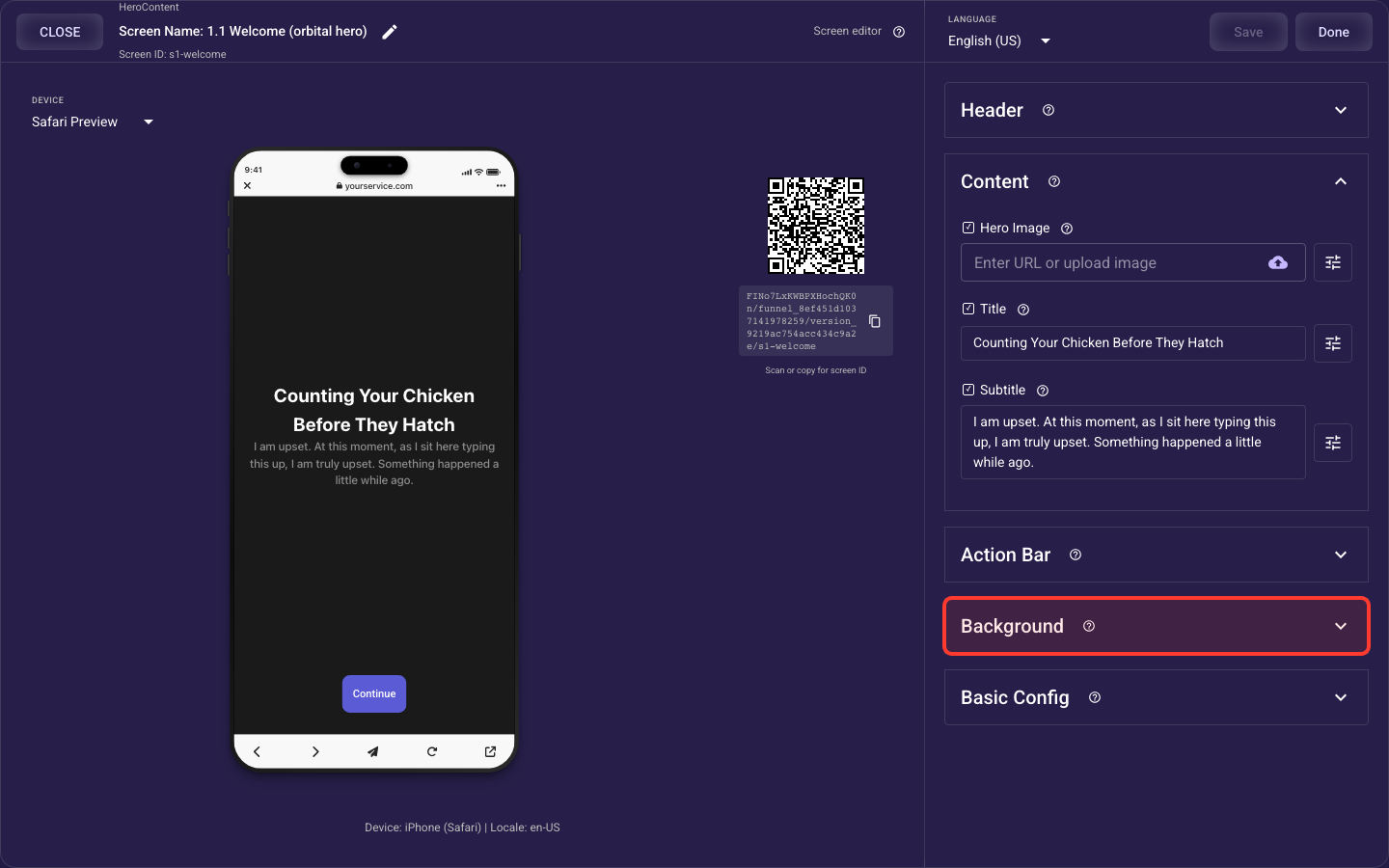
Open the Background section in the screen editor to configure its settings.
Applies to: Hero Content, Carousel, List Multi Pick, List Single Pick, Grid Multi Pick, Grid Single Pick, Text Input, Wheel Picker, Hero List, Web Embed, Paywall, and Flexible Layout screens.
Background fill
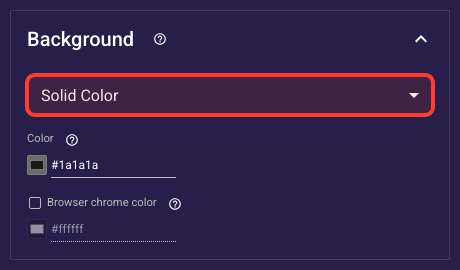
Inside the Background section, this is the Background fill.
What Fills The Background
Chooses what sits behind your content: a solid color, a photo, or a video clip, and reveals the matching control below. Defaults to a solid color. Use solid for clean question screens, a photo for emotive intro screens, and video only for short high-impact openers, since heavy video slows loading and can lose paid-ad visitors.
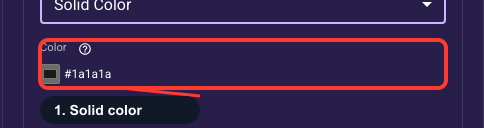
Solid Background Fill
Sets the single color behind the whole screen when the background is a solid color. Defaults to white. Match it to your theme and ad creative, and keep it high-contrast against your text and buttons so everything stays easy to read on a phone.
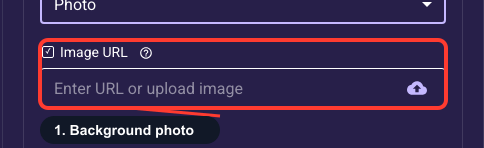
Full-Screen Background Photo
Uploads an image that fills the screen background when the background is set to Photo. It scales to cover the whole screen, so edges can get cropped on different phone sizes, keep your focal point centered. If you put text on top, choose a darker or dimmed image so your copy stays readable.
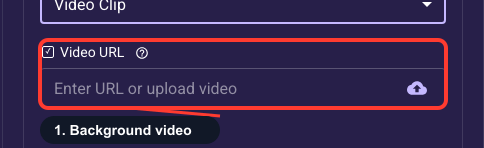
Full-Screen Background Video
Uploads a short clip that fills the screen background when the background is set to Video Clip; it loops on its own. Keep it brief and lightweight, large videos slow the first load and can lose paid-ad visitors before they engage. Make sure any text over it stays readable across the looping frames.
Phone status & address bars
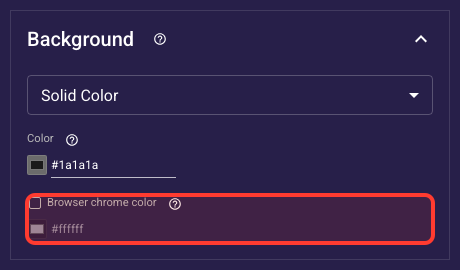
Inside the Background section, this is the Phone status & address bars.
Tint The Phone's Top Bar
Sets the color of the surrounding system bars on web funnels, the strip at the top showing time and battery, and the bottom address bar. Leave it unset for almost every screen so it inherits your onboarding default. Set a color only when you want the phone's frame to blend into a full-bleed background for a seamless look.