Custom HTML — every setting
The Custom HTML settings for this screen. This guide documents every setting of the Custom HTML block, grouped by area. Each setting matches a real control in the screen editor.
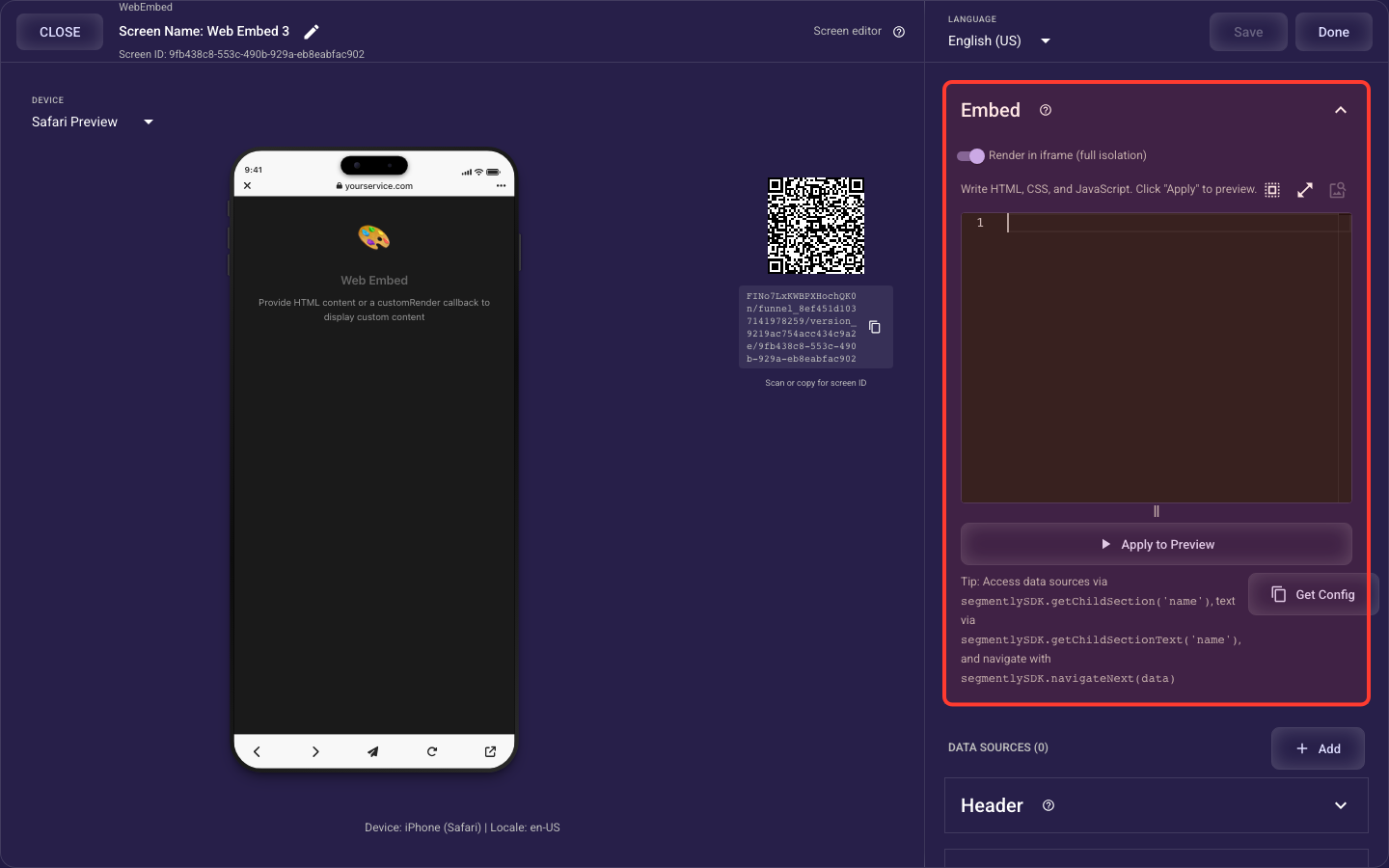
Open the Custom HTML section in the screen editor to configure its settings.
Applies to: Web Embed screens.
All settings
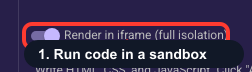
Keep custom code sandboxed
Decides whether your custom HTML runs in a protected sandbox (On, the default) or directly in the page (Off). Leave it On — the sandbox stops your CSS and JavaScript from leaking out and breaking the rest of the screen. Only switch it Off if your code truly needs to reach the surrounding page, and expect to debug styling clashes if you do.
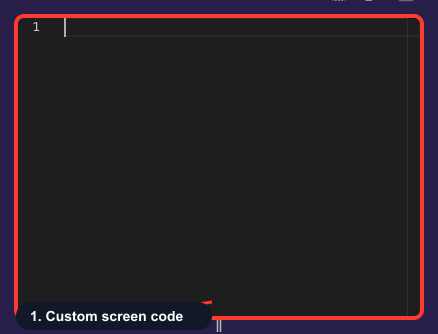
Your custom screen code
Write the HTML, CSS, and JavaScript that renders inside this custom screen here. Edits stay local until you click Apply to Preview, then they appear in the preview. Critically, your code must call segmentlySDK.navigateNext to advance the funnel and segmentlySDK.getChildSection to read any data sources you've added — without navigateNext, visitors get stuck and never reach your paywall.
Editable content for your HTML
Adds reusable pieces of content (text, images, and more) that your custom HTML can read by name, so copy and visuals live in the editor instead of being hard-coded. In code you fetch one by its name, which lets you or a non-developer update content later without touching the HTML. The Image URL Scanner can auto-create media sources from external image links it finds, so those images get hosted and tracked by Segmently.
