Paywall Header — every setting
The paywall's top bar — an optional close (X) button (its icon color, which side it sits on, and whether it appears at once or after a short delay) and an optional restore-purchases link with its own wording and typography. This guide documents every setting of the Paywall Header block, grouped by area. Each setting matches a real control in the screen editor.
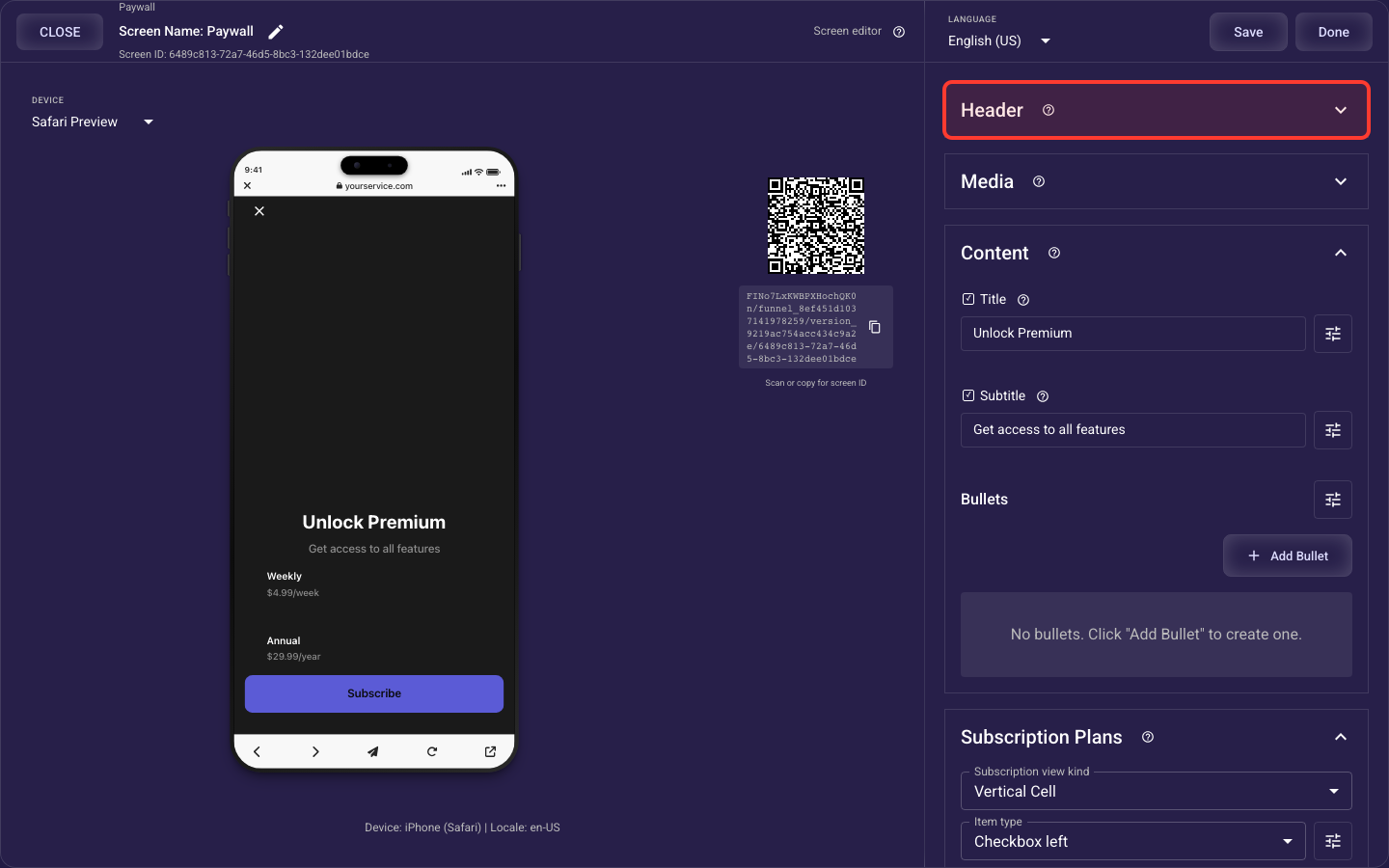
Open the Paywall Header section in the screen editor to configure its settings.
Applies to: Paywall screens.
Close (X) button
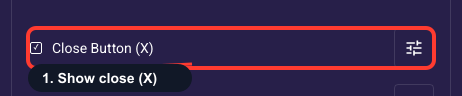
Show a close (X) button
Adds the X in the header that lets people dismiss the paywall and keep browsing. For paid-ad traffic keep it on (optionally with a short reveal delay) — an inescapable paywall hurts trust and can break app-store and ad-network rules. Turn it off only when you deliberately want a hard gate users can't skip.
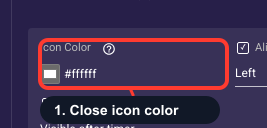
Color the close (X) icon
Sets the color of the X dismiss icon (default white; applies only when the close button is shown). Choose a color that contrasts with whatever sits behind the header — dark over a light hero image, white over a dark one — so users can always find and tap it. Low contrast here can leave people feeling trapped on the paywall.
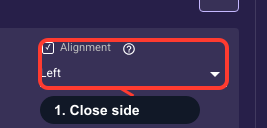
Place the close button left or right
Puts the X on the start side (left in most languages, right in right-to-left ones) or the end side of the header; the sides flip automatically by language. Default to the start/top-left to match common mobile paywall convention. Move it to the end only when your hero layout needs that corner kept clear.
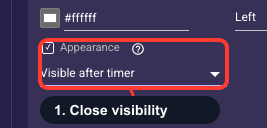
When the close button appears
Controls when the X becomes tappable: right away, or after a short timer that lets users take in the offer first (set the length in the delay field below). For ad traffic, showing it immediately or after a 2-3 second delay converts well without feeling like a trap. Avoid long delays that frustrate users or break ad-network rules.
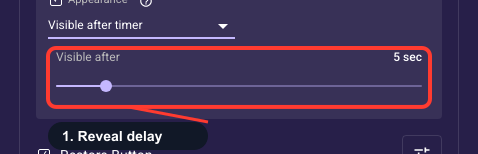
How long to delay the X
How long the close button stays hidden (1-30 seconds) when you've set it to appear after a timer; it has no effect otherwise. A short 2-3 seconds nudges users to read the offer first without feeling trapped. Longer delays raise frustration and drop-off, so reserve 10s or more only for a deliberate hard gate.
Restore-purchases link
Show a restore-purchases link
Adds a small 'Restore Purchases' control in the header so returning buyers can recover an existing subscription instead of paying twice. Keep it on: a working restore option is effectively required on app-store paywalls and it reassures buyers, which protects conversions. There's also a Restore link available in the footer legal links, so use whichever placement fits your layout.
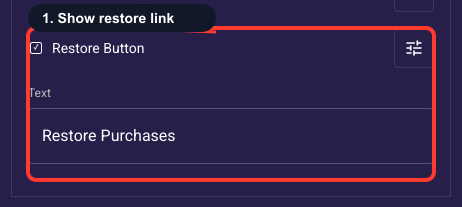
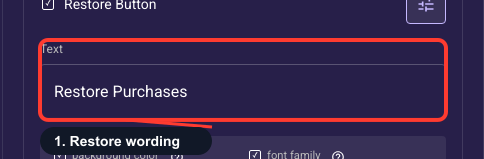
Edit the restore link wording
The text shown on the header restore link, editable for each language you support (default 'Restore Purchases'). Keep it close to the standard 'Restore Purchases' wording so returning buyers instantly recognize it. Add other-language versions only if your funnel actually ships in multiple languages.
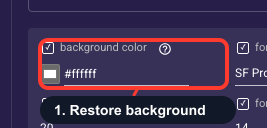
Restore link background fill
Adds a colored background block behind the restore link text. Most restore links sit on the plain header with no fill, so the default is none — leave it unset for the usual text-only look. Set a color only if you want a chip or pill behind the link, then shape it with the opacity and corner-radius fields below.
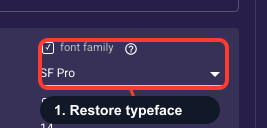
Pick the restore link typeface
Chooses the font for the restore link (SF Pro, SF Pro Rounded, SF Mono, or New York; default SF Pro). Match it to the font used elsewhere on the paywall so the screen looks consistent and trustworthy. There's rarely a reason to give the restore link its own typeface, so SF Pro is a safe choice.
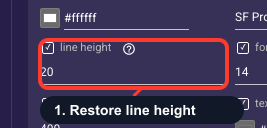
Restore link line spacing
Sets the vertical space between lines of the restore text. The link is almost always one short line, so this usually has no visible effect — leave it at the default. Only raise it slightly if your custom restore text wraps to multiple lines and the lines look crowded.
Size the restore link text
Sets how large the restore link reads, in points (0-50). Keep it small and secondary — around 12-14pt — so it stays legible but doesn't compete with your headline or purchase button. Restore is a recovery option, not a primary action, so resist sizing it up.
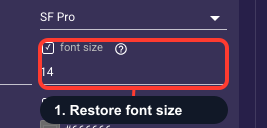
Set the restore link boldness
Controls how heavy the restore link text looks (for example Normal or Semibold). Use a normal weight so restore stays a quiet secondary link and doesn't pull attention from your purchase button. Bump it to semibold only if it's genuinely hard to read against the background.
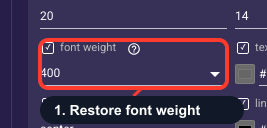
Color the restore link text
Sets the restore link's text color (default a muted gray). Check it against your header background first — that gray default disappears on a dark hero, so use a lighter tint there. Keep it readable but understated so restore reads as a secondary link, with enough contrast to stay accessible.
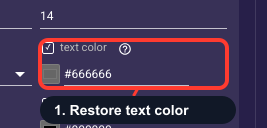
Align the restore link text
Sets where the restore link sits in its row — start (left in most languages), center, or end (right) — flipping automatically for right-to-left languages. Usually align it to the side opposite the close button, or center it, so the header reads cleanly. The default works for most layouts.
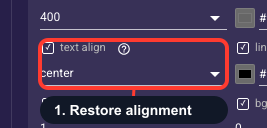
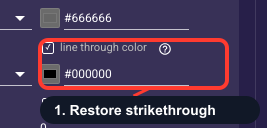
Restore link strikethrough color
Colors a line struck through the restore text, but only if you have deliberately added a crossed-out segment to that text. A standard 'Restore Purchases' link has no strikethrough, so leave this alone — it does nothing unless your custom text actually contains a struck-through part.
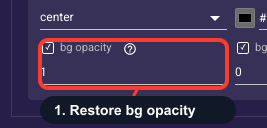
Restore background transparency
Controls how see-through the restore link's background fill is, from 0 (invisible) to 1 (solid). It only has an effect once you've set a background color above. Use a partial value for a faint chip behind the text so it stays readable over a busy hero image; otherwise leave it alone.
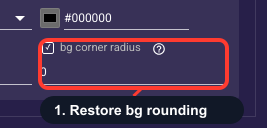
Restore background rounding
Rounds the corners of the restore link's background block, from 0 (sharp rectangle) up to 50 (full pill). It only shows once you've given the link a background color and opacity. Use a higher value for a pill-shaped chip; the default of 0 is fine, and you can ignore it entirely if there's no background fill.