Onboarding wizard: basic information
Set name, platform, and language first — platform controls the publish surface and runtime behavior.
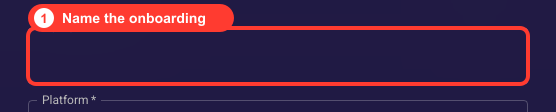
Name the onboarding
Use a clear internal name so the draft is easy to find in the Onboardings list. The name is not shown to visitors.
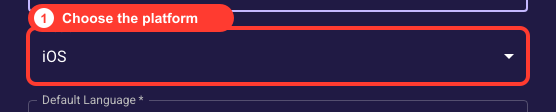
Choose the platform
The platform controls the publish surface and runtime behavior. Web flows publish through Web Placement; pick it before selecting a theme.
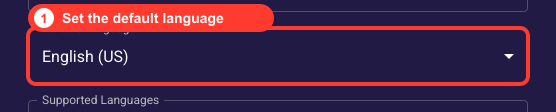
Set the default language
The default language is the fallback locale used when a visitor has no matching localized content. Choose the primary audience language.
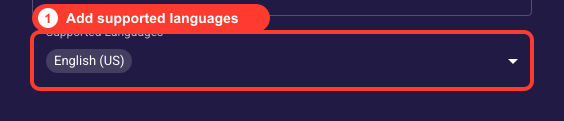
Add supported languages
Add every locale you intend to publish so screens can carry localized copy from the start. You can extend this later, but planning it now avoids rework.
Optionally assign a folder
Choose a folder to organize the draft in the Onboardings list, or leave it at the root level. The folder only affects organization and can be changed later.