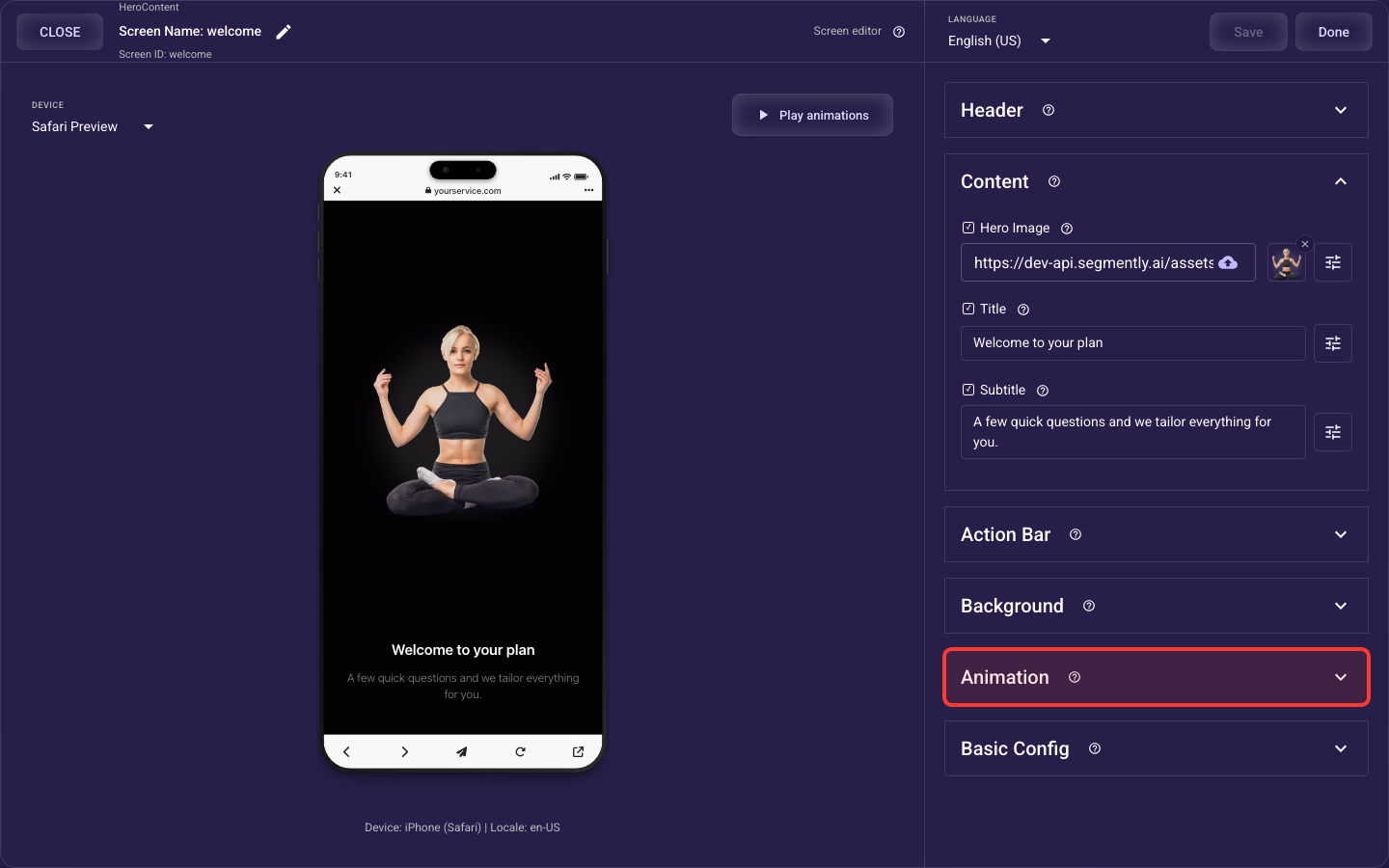
Carousel screen
The Carousel screen is built from the sections below. This overview shows what each section does and links to its full guide — open any section’s guide to see every setting it offers.
Header — details
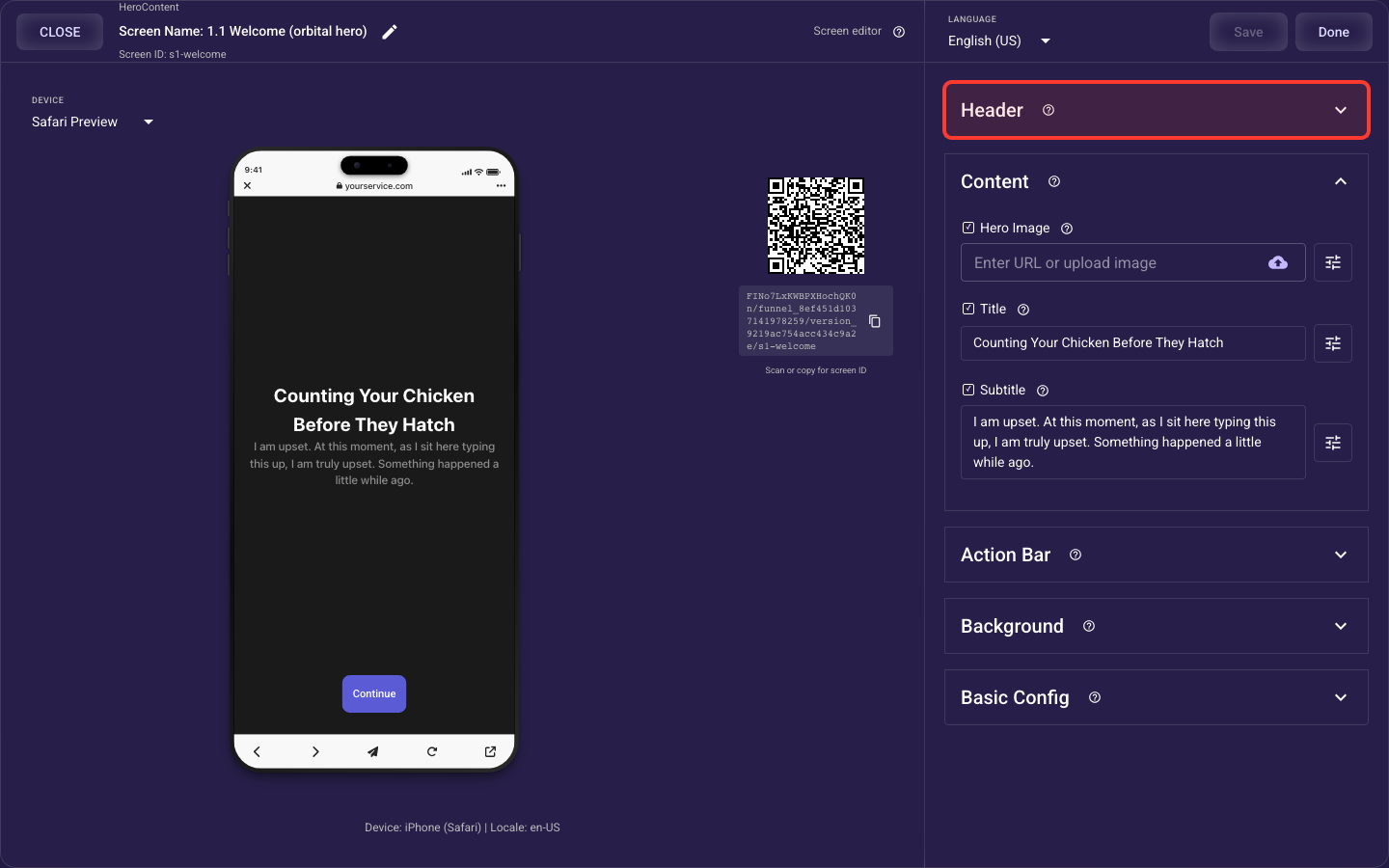
The top bar of the screen — the Back and Skip buttons and the progress indicator that shows how far along the visitor is.
Carousel — details
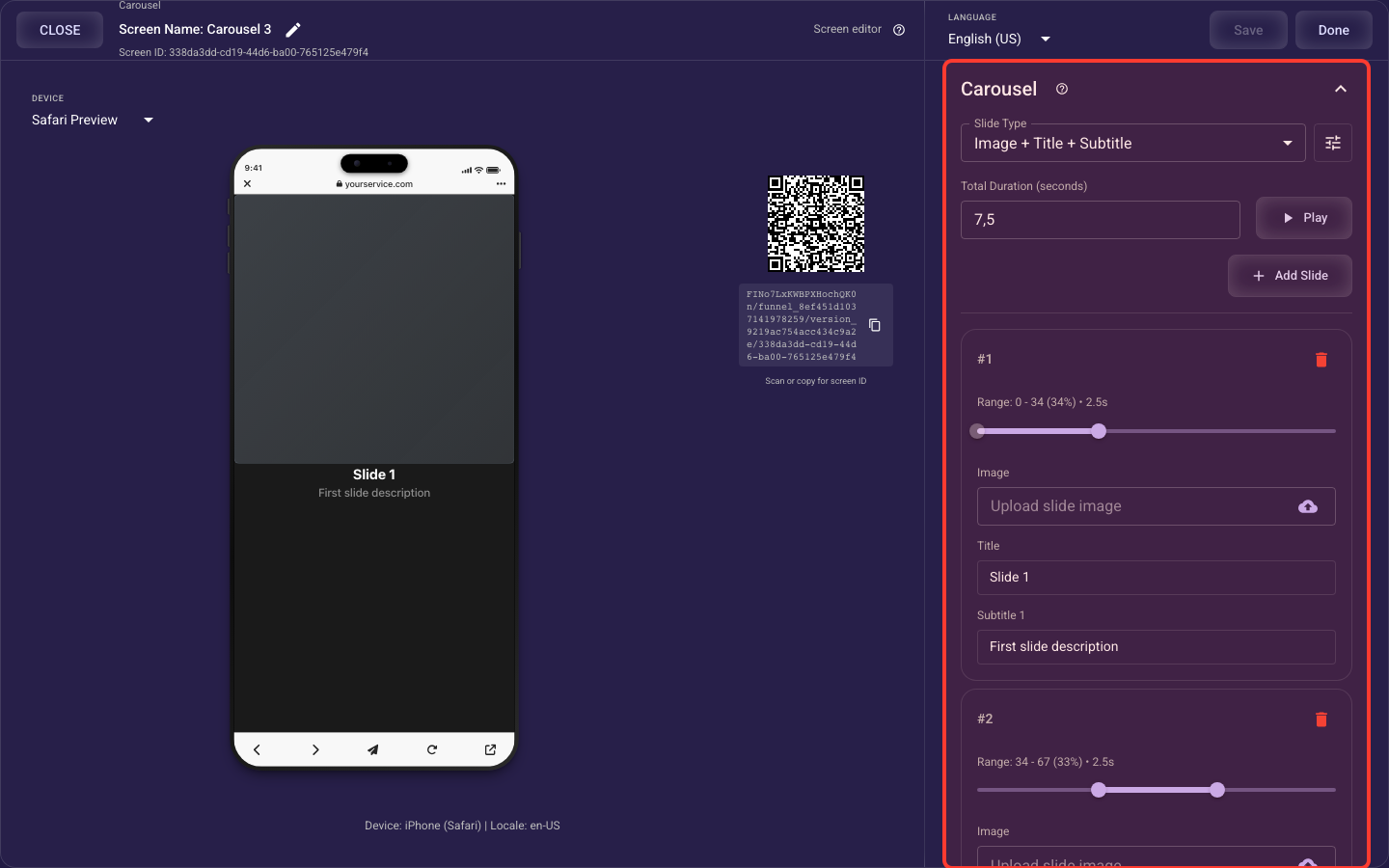
An auto-advancing slide deck — the slide template, total play time, each slide’s text and picture and timing, and the per-slide text/image styles.
Background — details
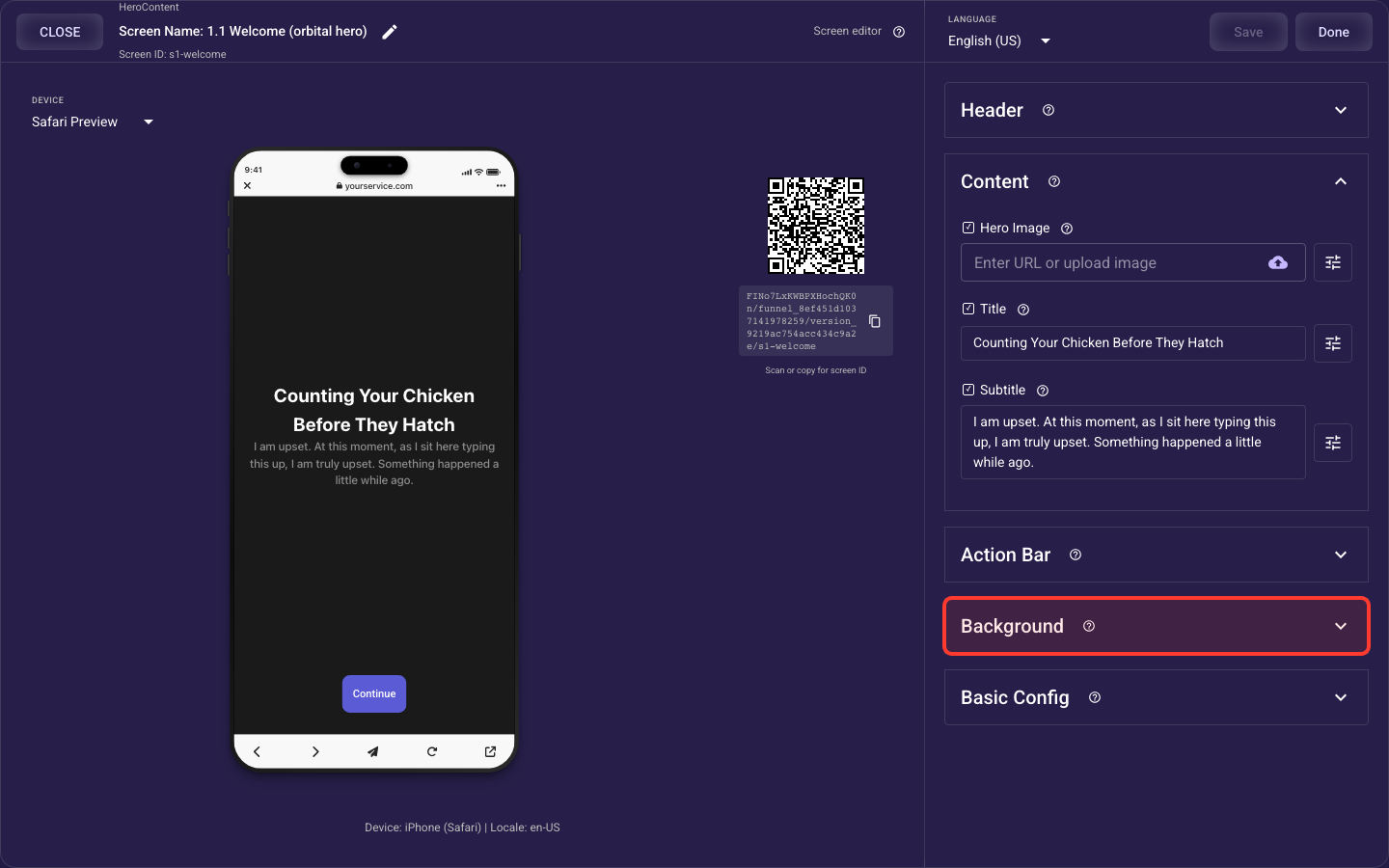
What fills the whole screen behind your content: a solid color, a photo, or a looping video.
Animation — details
How the screen's standard elements (header, image or video, title and subtitle, choices or bullets, paywall products, action bar) animate in when it opens — style, speed, stagger, easing, and per-element overrides, which take priority over the theme's default motion.