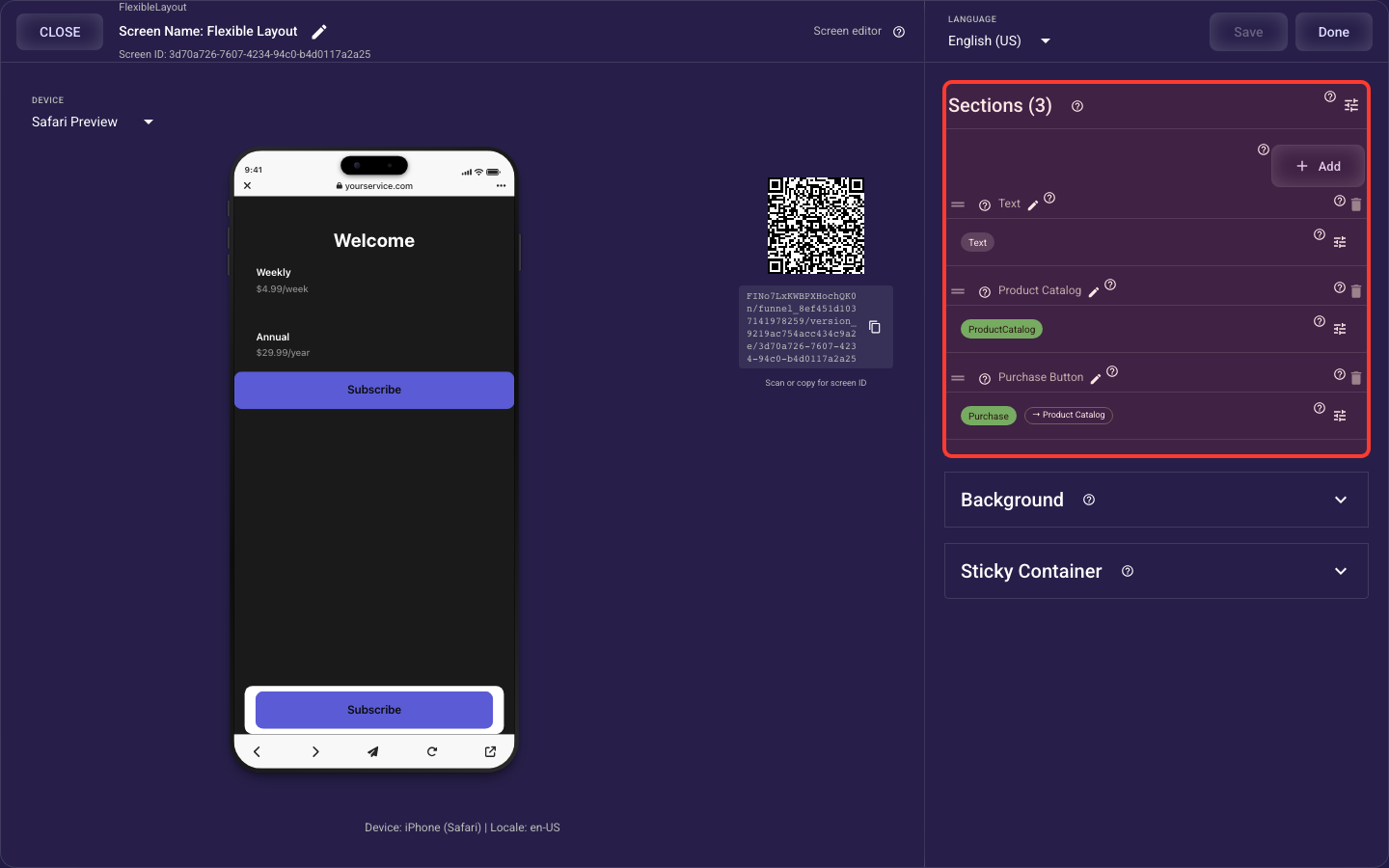
Flexible Layout screen
The Flexible Layout screen is built from the sections below. This overview shows what each section does and links to its full guide — open any section’s guide to see every setting it offers.
Flexible Sections — details
The build-your-own screen — you stack sections (text, media, product catalog, buttons, lists…) and arrange them: add / reorder / rename / delete, set each section’s size, fill, alignment, border, padding and margin, control whole-screen scroll and padding, and link product-aware sections (for example Text or Purchase Button) to a Product Catalog so labels and purchases follow the selected product. Each section type’s own content and styling lives in its dedicated block article.
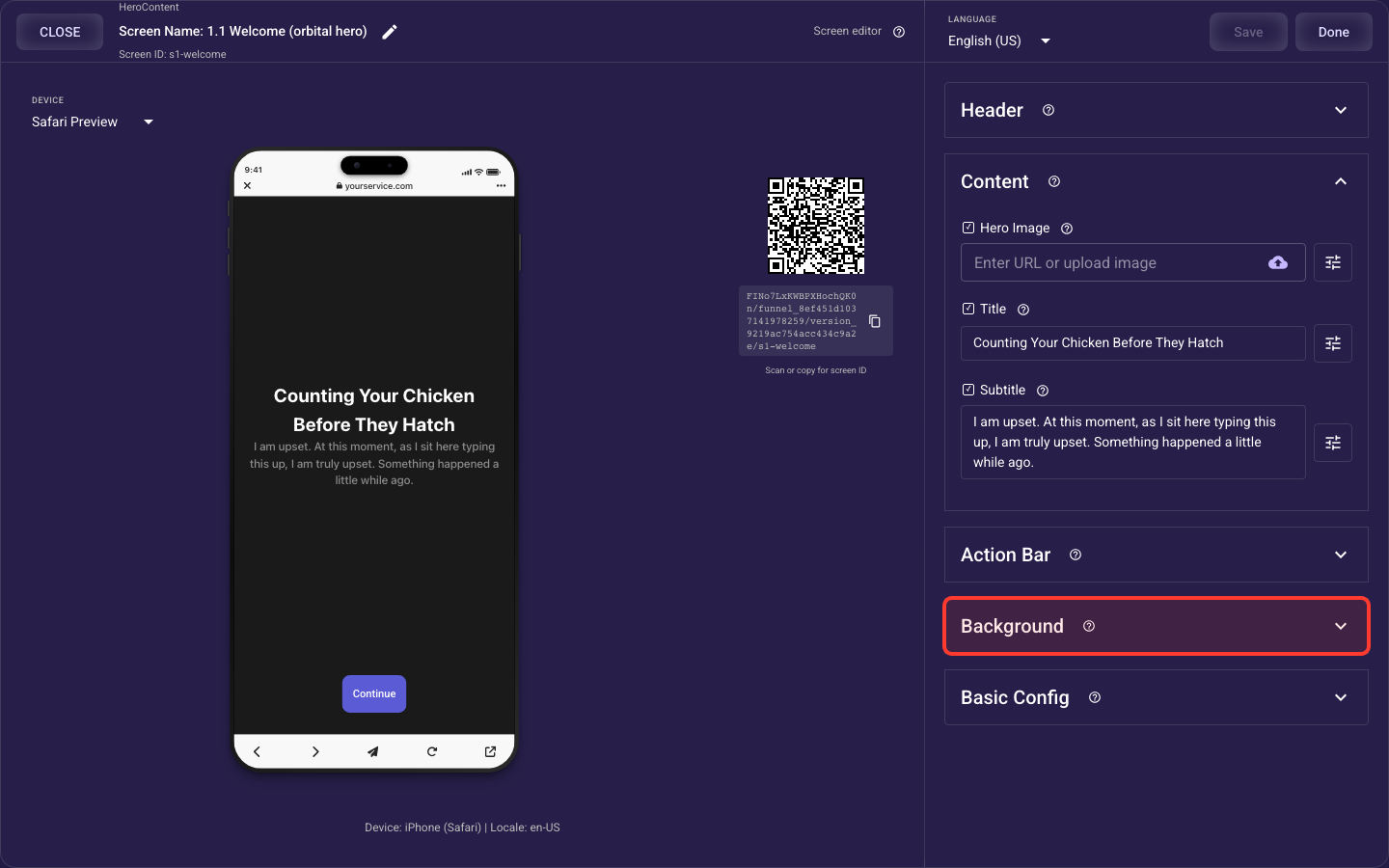
Background — details
What fills the whole screen behind your content: a solid color, a photo, or a looping video.
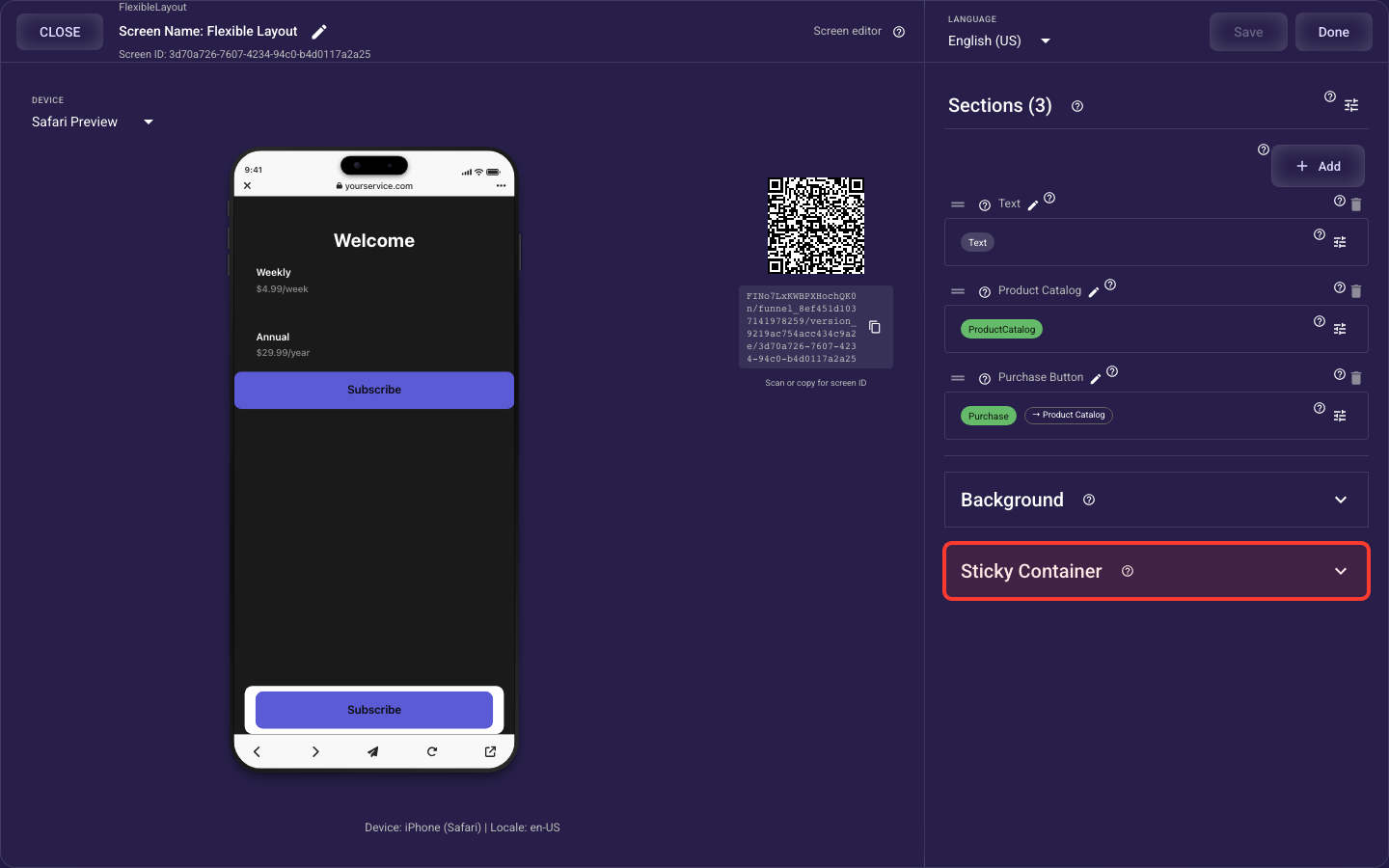
Sticky Container — details
A floating bar pinned to the bottom of a Flexible Layout screen so the main button stays visible and tappable while content scrolls — its background bar (colour, opacity, corner radius, outline), the spacing from the edges and around the button, and whether it holds a standard or purchase button.
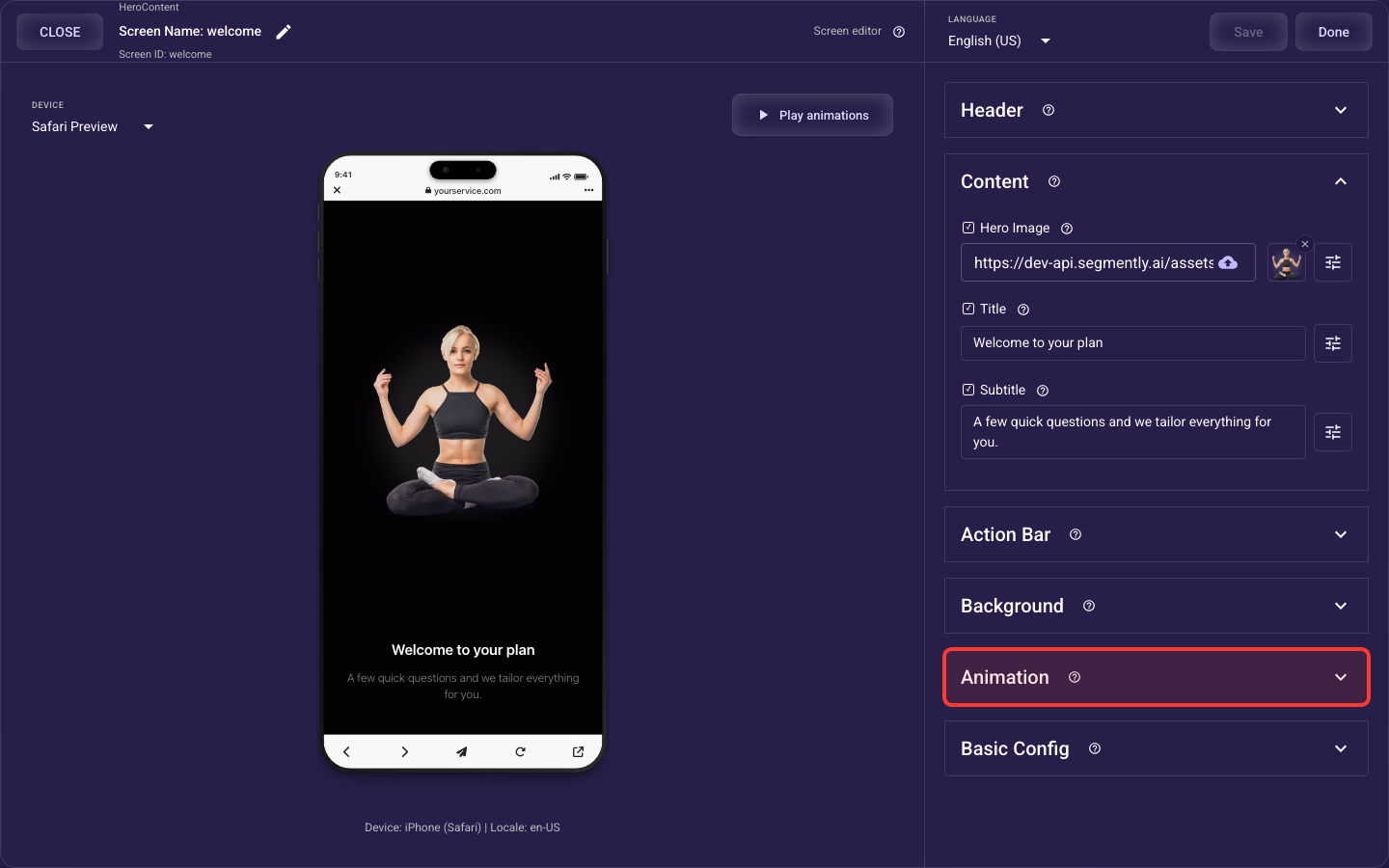
Animation — details
How the screen's standard elements (header, image or video, title and subtitle, choices or bullets, paywall products, action bar) animate in when it opens — style, speed, stagger, easing, and per-element overrides, which take priority over the theme's default motion.