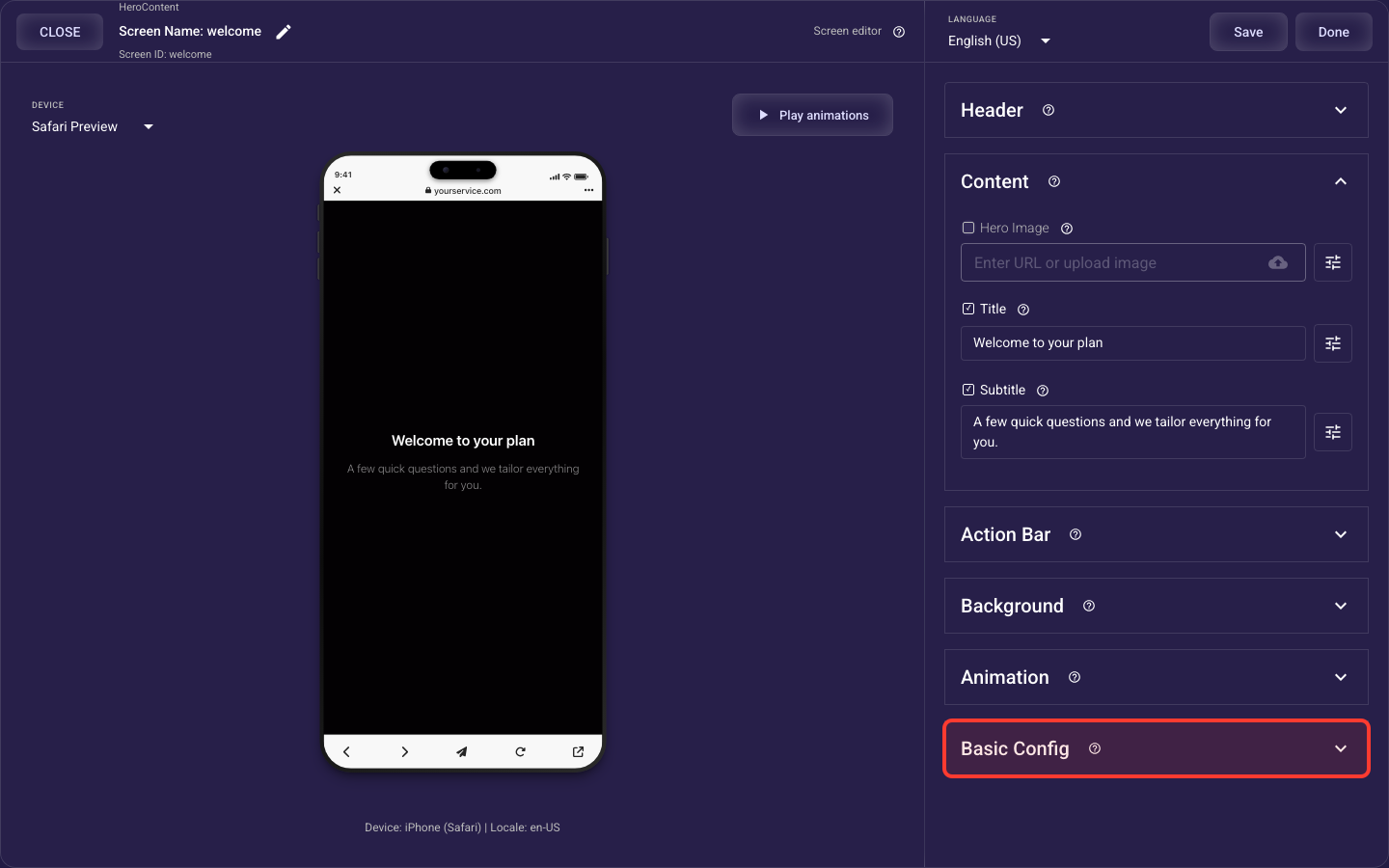
Paywall screen
The Paywall screen is built from the sections below. This overview shows what each section does and links to its full guide — open any section’s guide to see every setting it offers.
Paywall Header — details
The paywall's top bar — an optional close (X) button (its icon color, which side it sits on, and whether it appears at once or after a short delay) and an optional restore-purchases link with its own wording and typography.
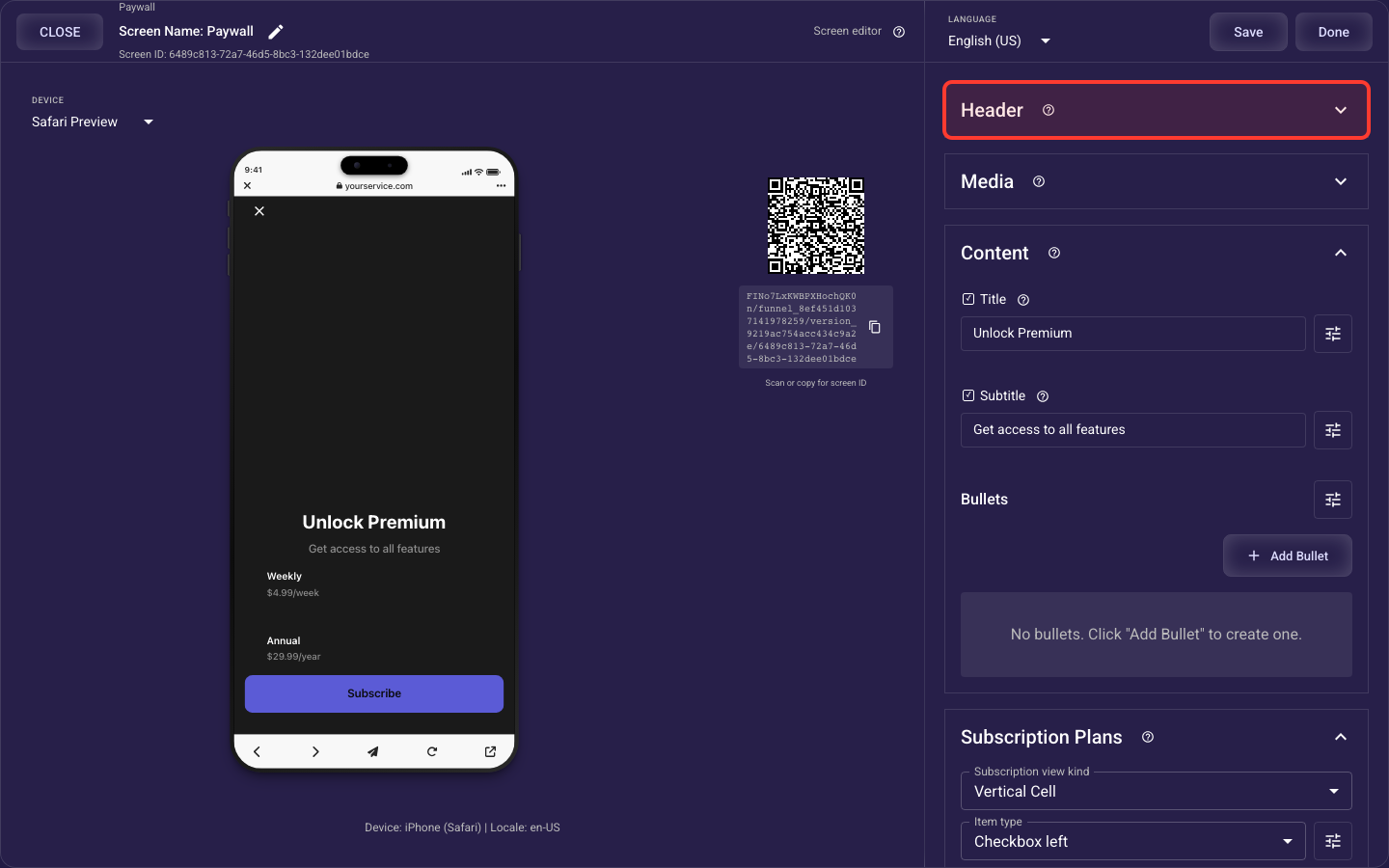
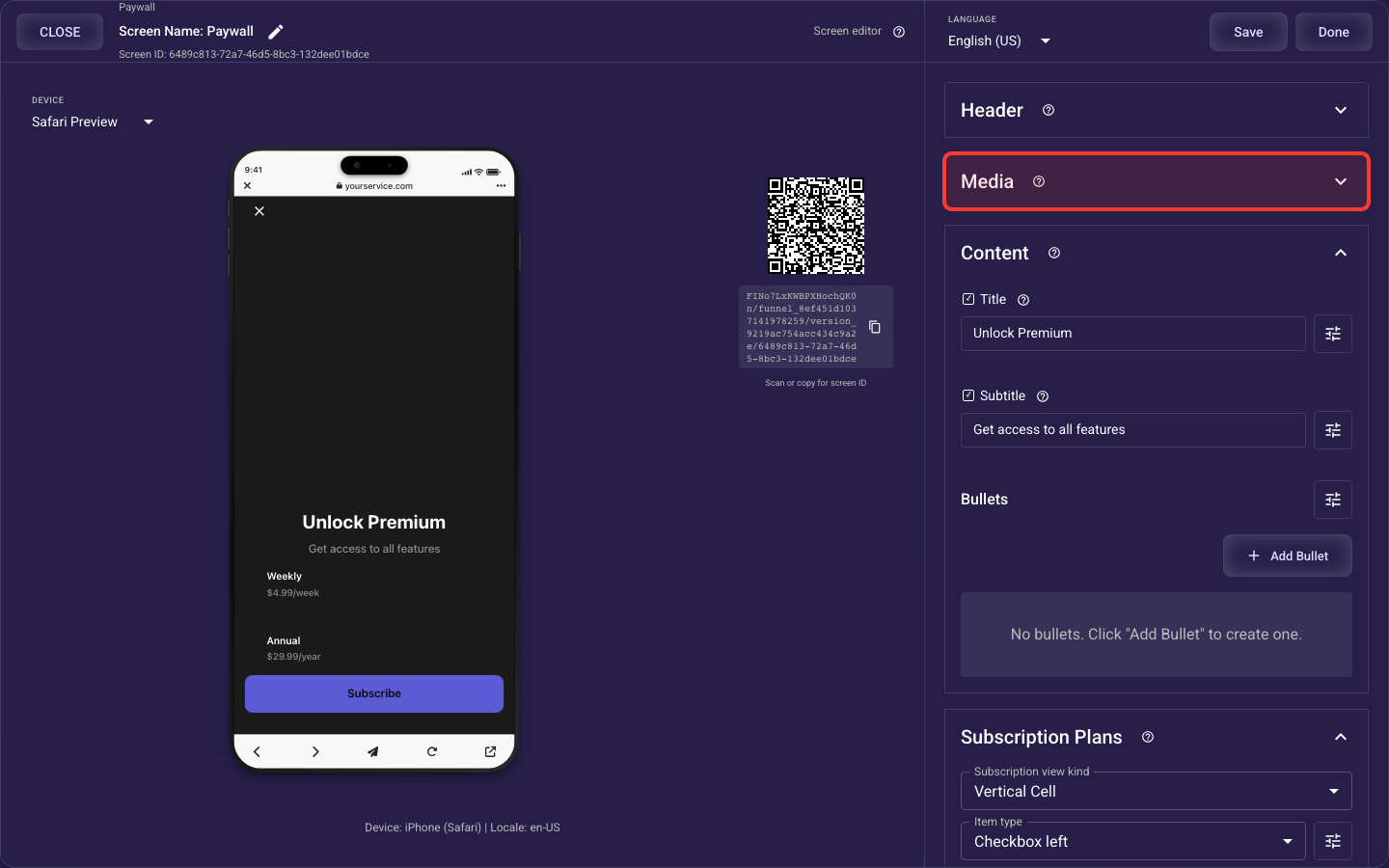
Paywall Media — details
The paywall's featured image or video — its source, how it fills its area, height, corner rounding, spacing, where it sits relative to the header and body, and an optional dark fade overlay for text readability.
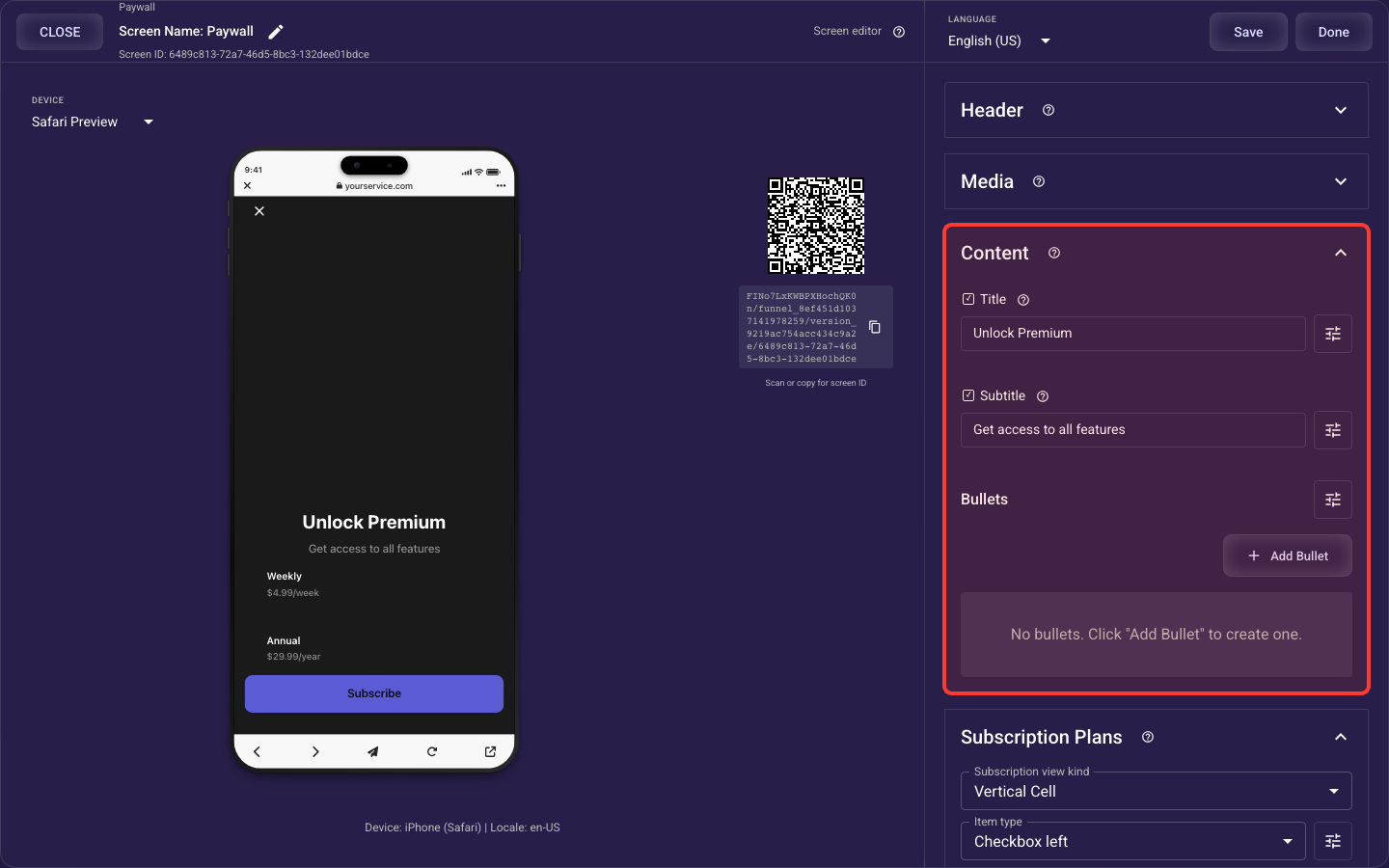
Paywall Body — details
The paywall's words — the headline and subtitle (with full typography) and the feature-benefit bullet list, including each bullet's box style, padding, and per-bullet title / subtitle / icon styling.
Paywall Subscriptions — details
The plan picker — how the subscription cards are arranged, where the selection checkbox sits, the plans themselves, the selected/unselected card styling and spacing, and each plan's name / price / note / billing-period labels, badge, and checkbox styling.
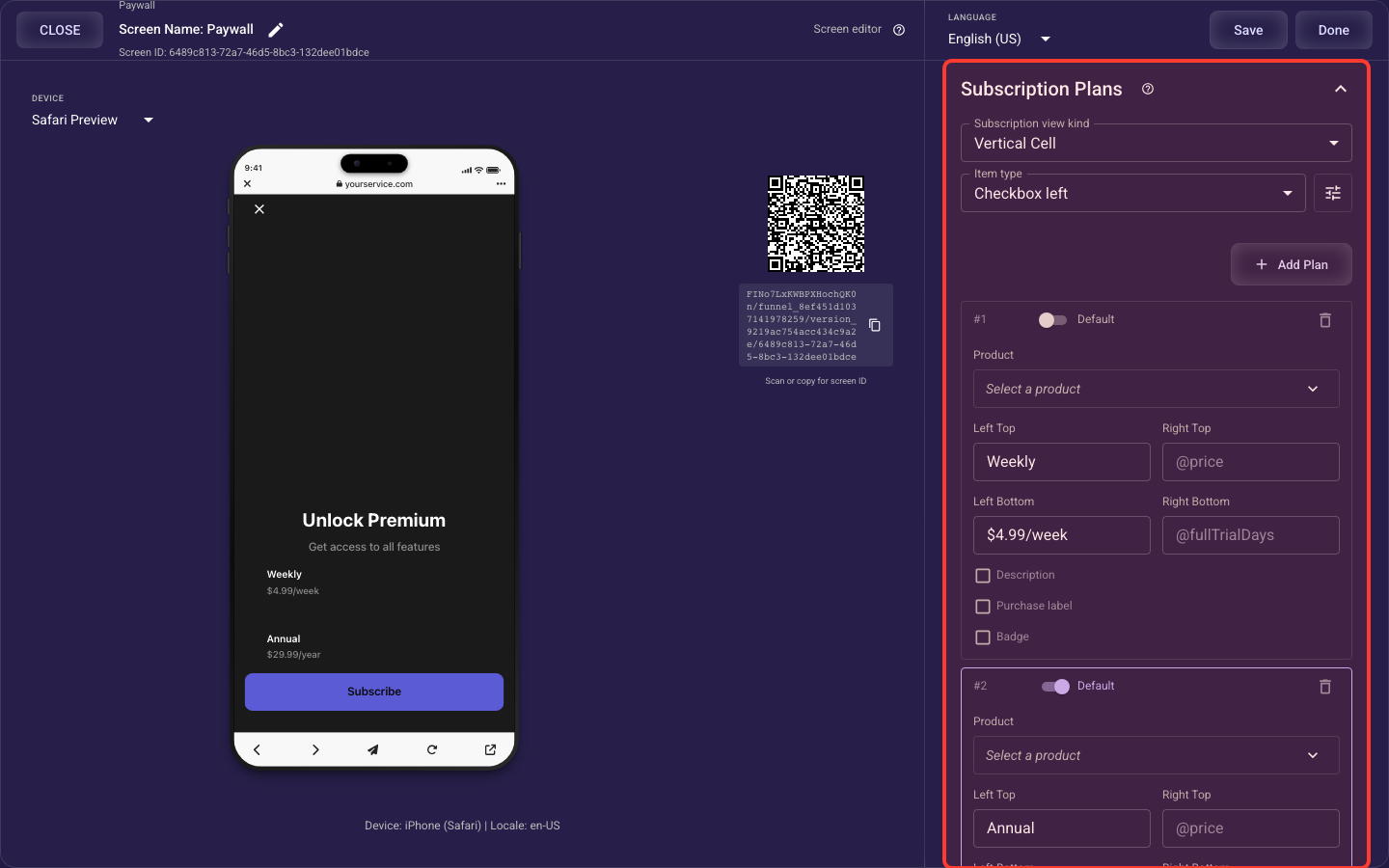
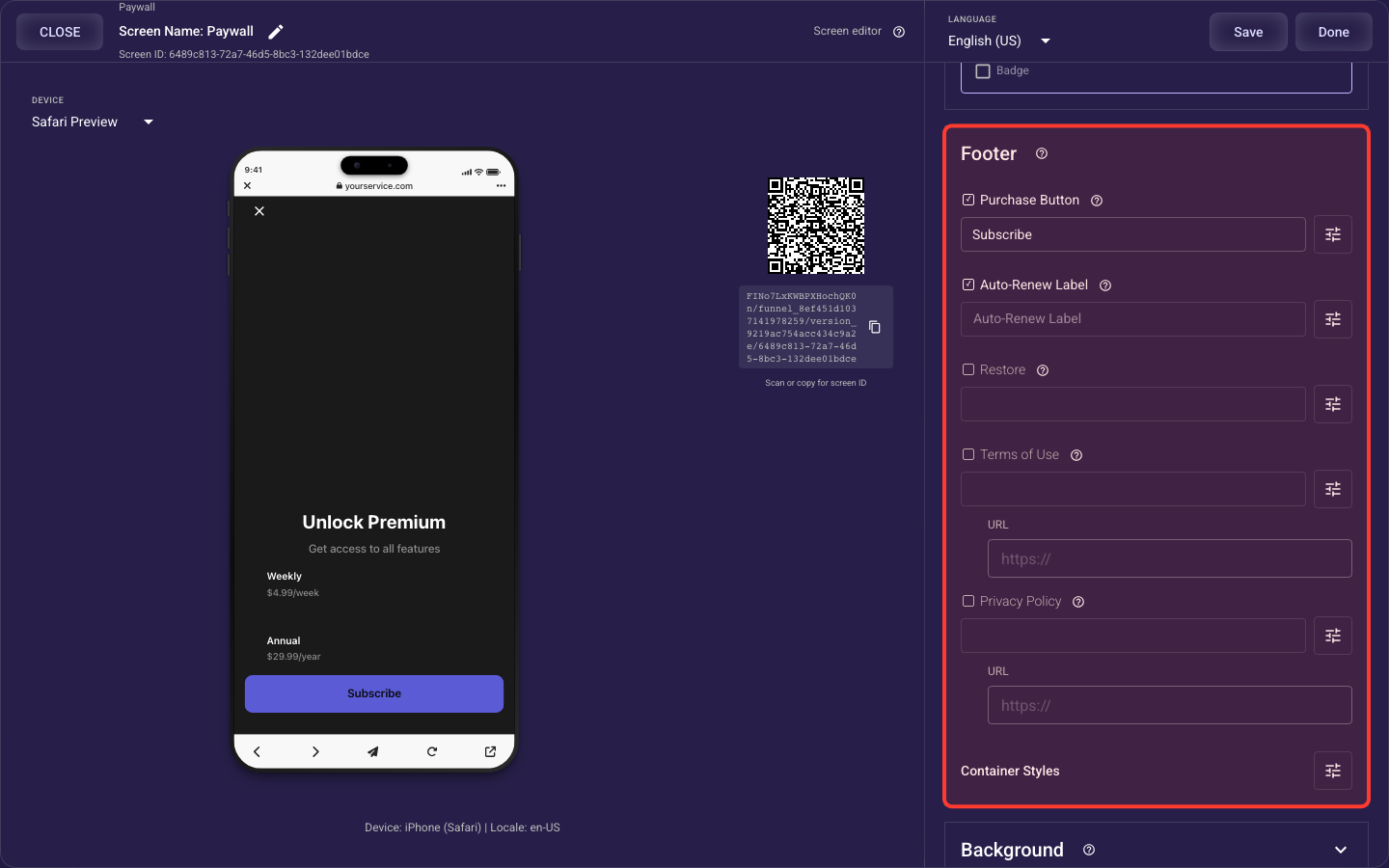
Paywall Footer — details
The bottom of the paywall — the purchase (subscribe) button and its label and box styling, the auto-renew disclosure note, the footer background and element order, and the restore / terms-of-use / privacy-policy legal links with their URLs and styling.
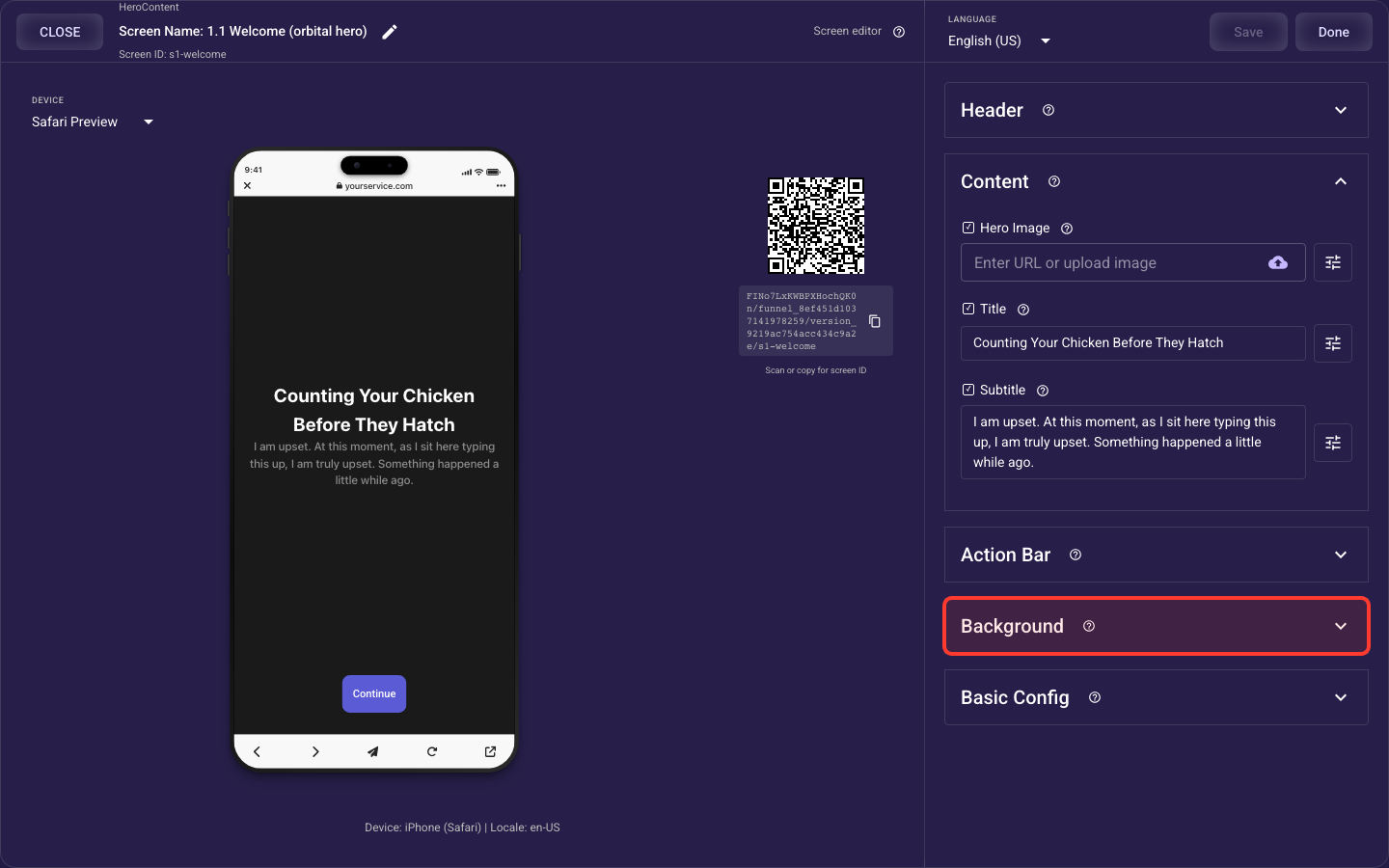
Background — details
What fills the whole screen behind your content: a solid color, a photo, or a looping video.
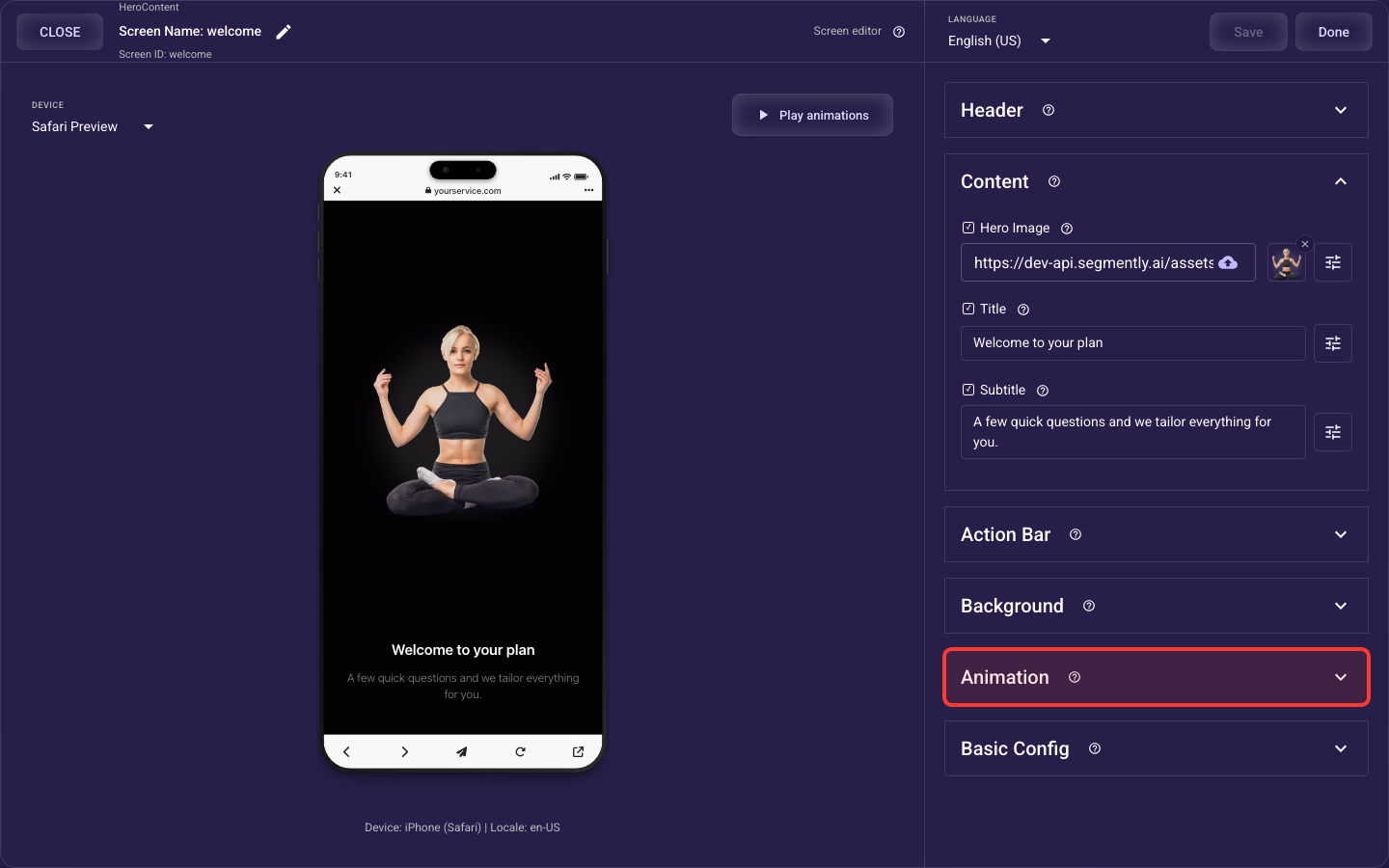
Animation — details
How the screen's standard elements (header, image or video, title and subtitle, choices or bullets, paywall products, action bar) animate in when it opens — style, speed, stagger, easing, and per-element overrides, which take priority over the theme's default motion.
Basic Config — details
Screen-level behaviour: cached media, a device-permission prompt, and auto-advance.