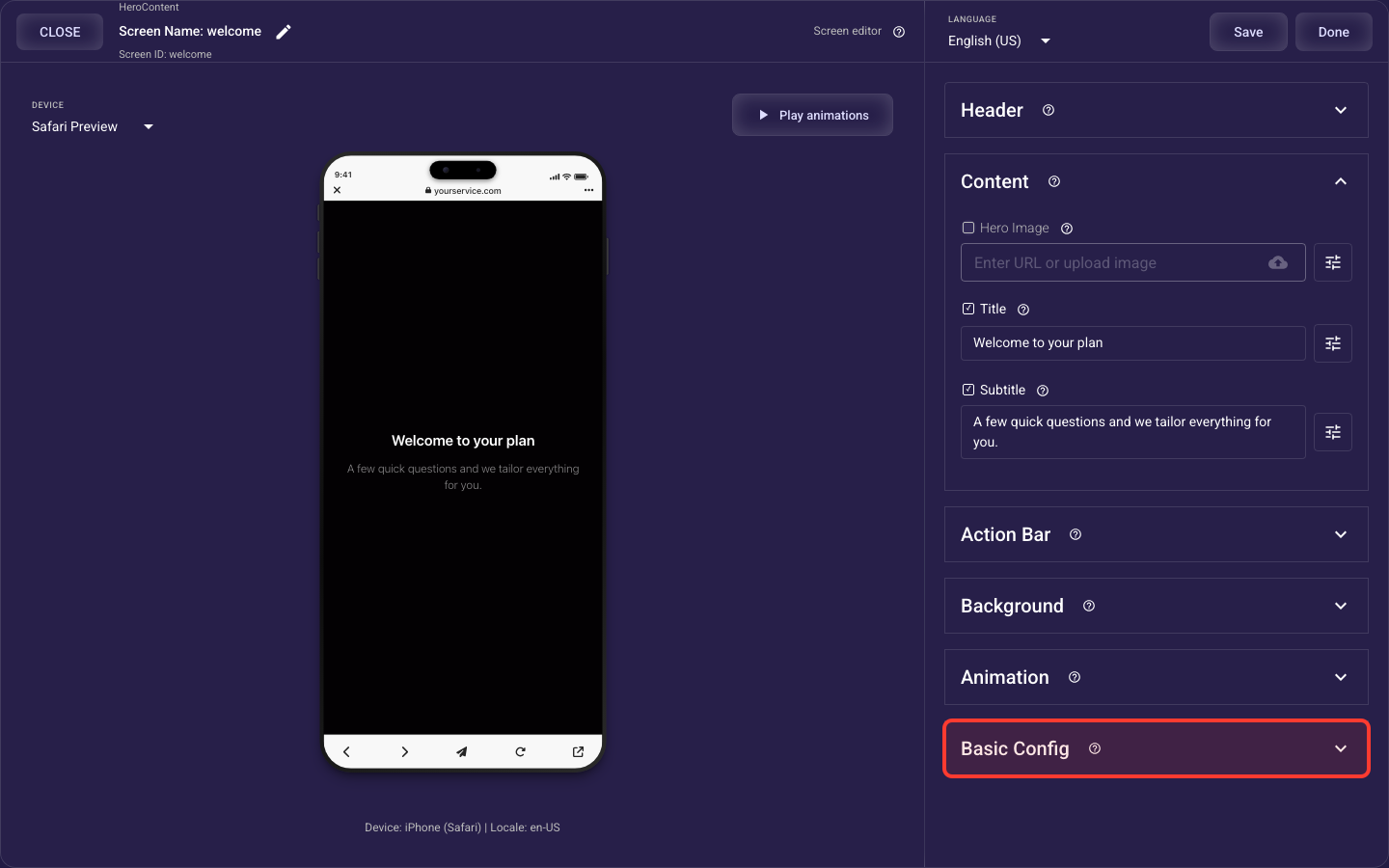
Grid Single Pick screen
The Grid Single Pick screen is built from the sections below. This overview shows what each section does and links to its full guide — open any section’s guide to see every setting it offers.
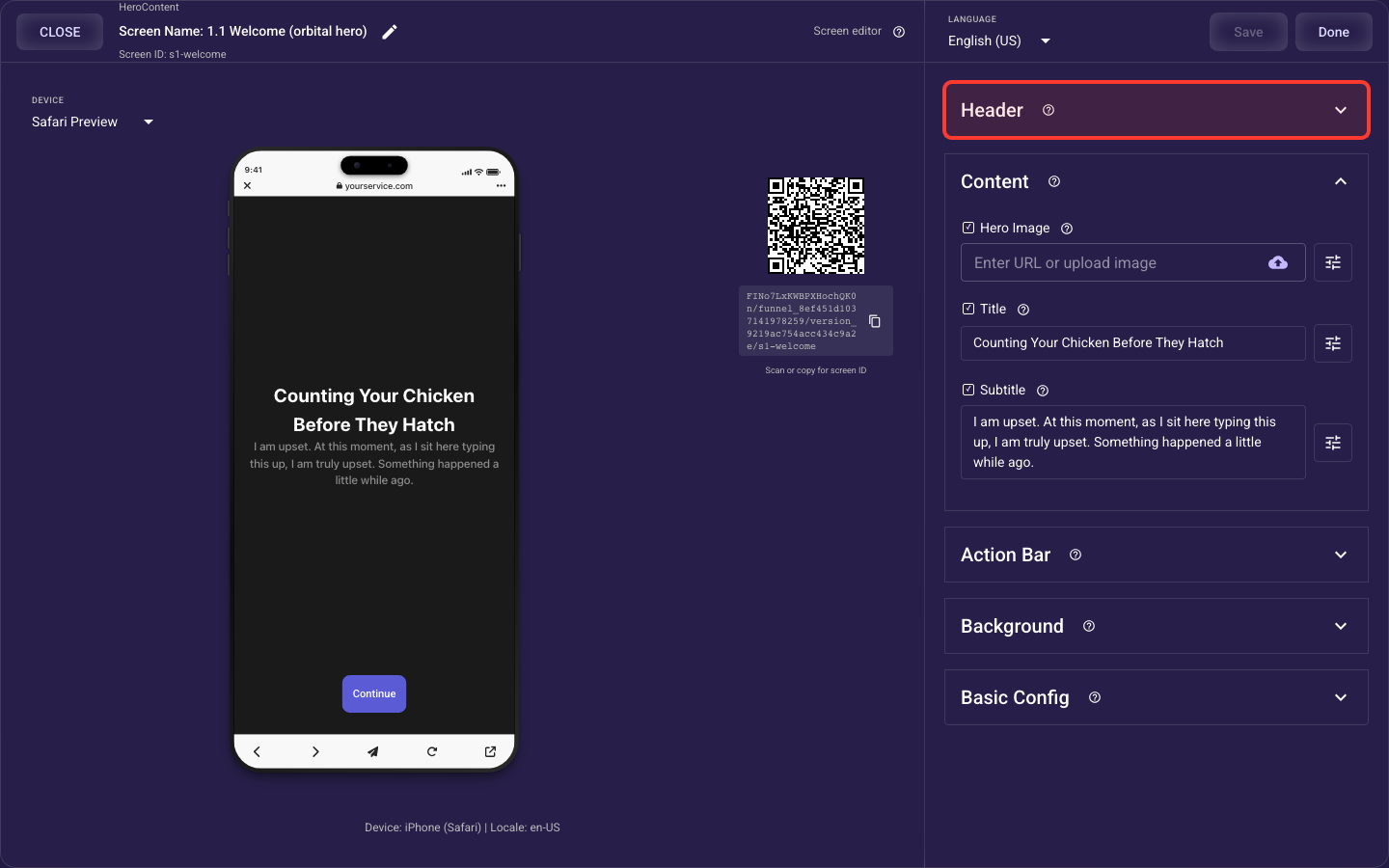
Header — details
The top bar of the screen — the Back and Skip buttons and the progress indicator that shows how far along the visitor is.
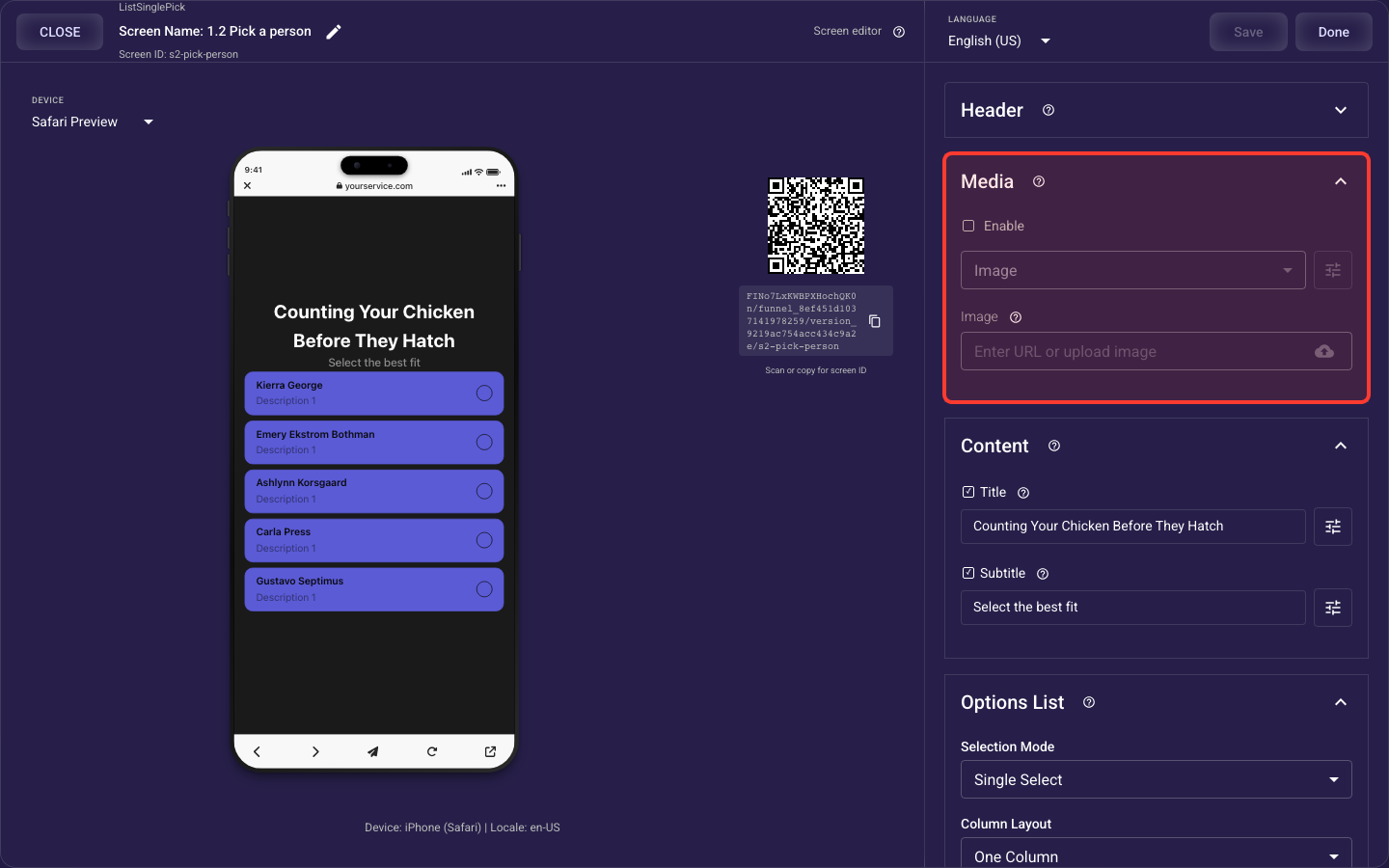
Media — details
The screen's image or video block — its source, size, placement, rounding, and an optional fade overlay.
Content
This screen’s content is built from these reusable elements — open any one for its full settings:
Title — details
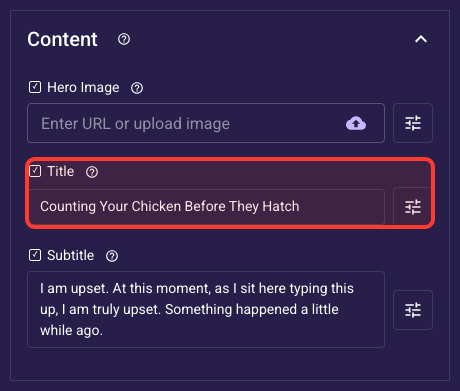
The headline — the biggest, first line a visitor reads.
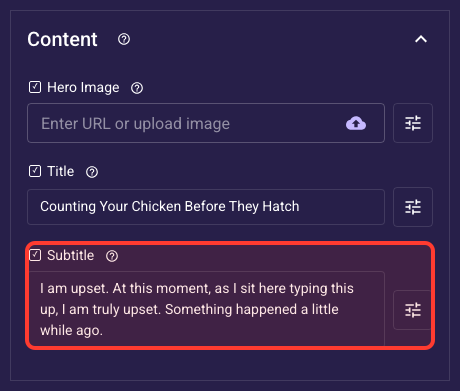
Subtitle — details
The supporting line under the title.
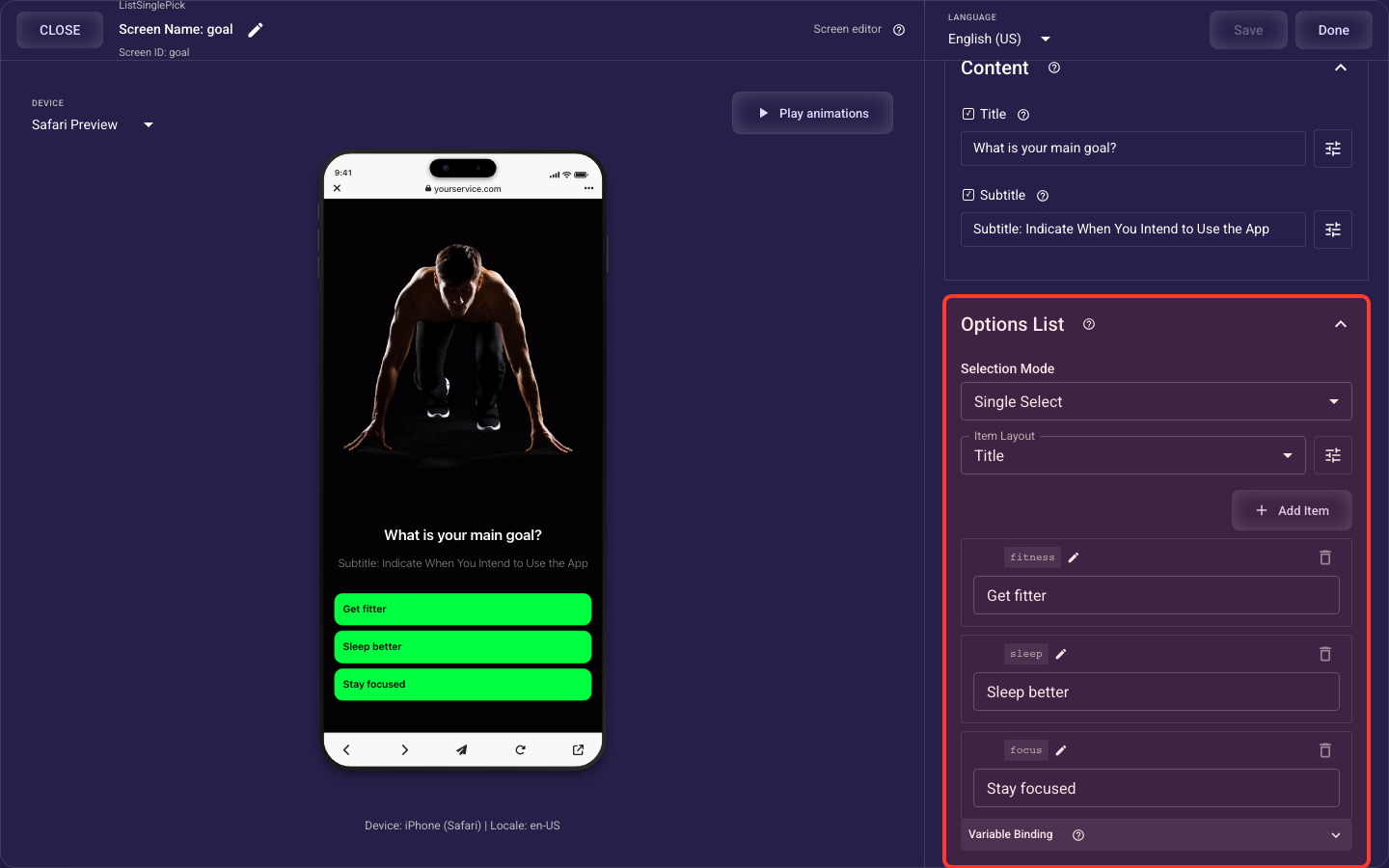
Options — details
The answer choices visitors pick from — selection mode, list-or-grid layout, item states, spacing, and styling.
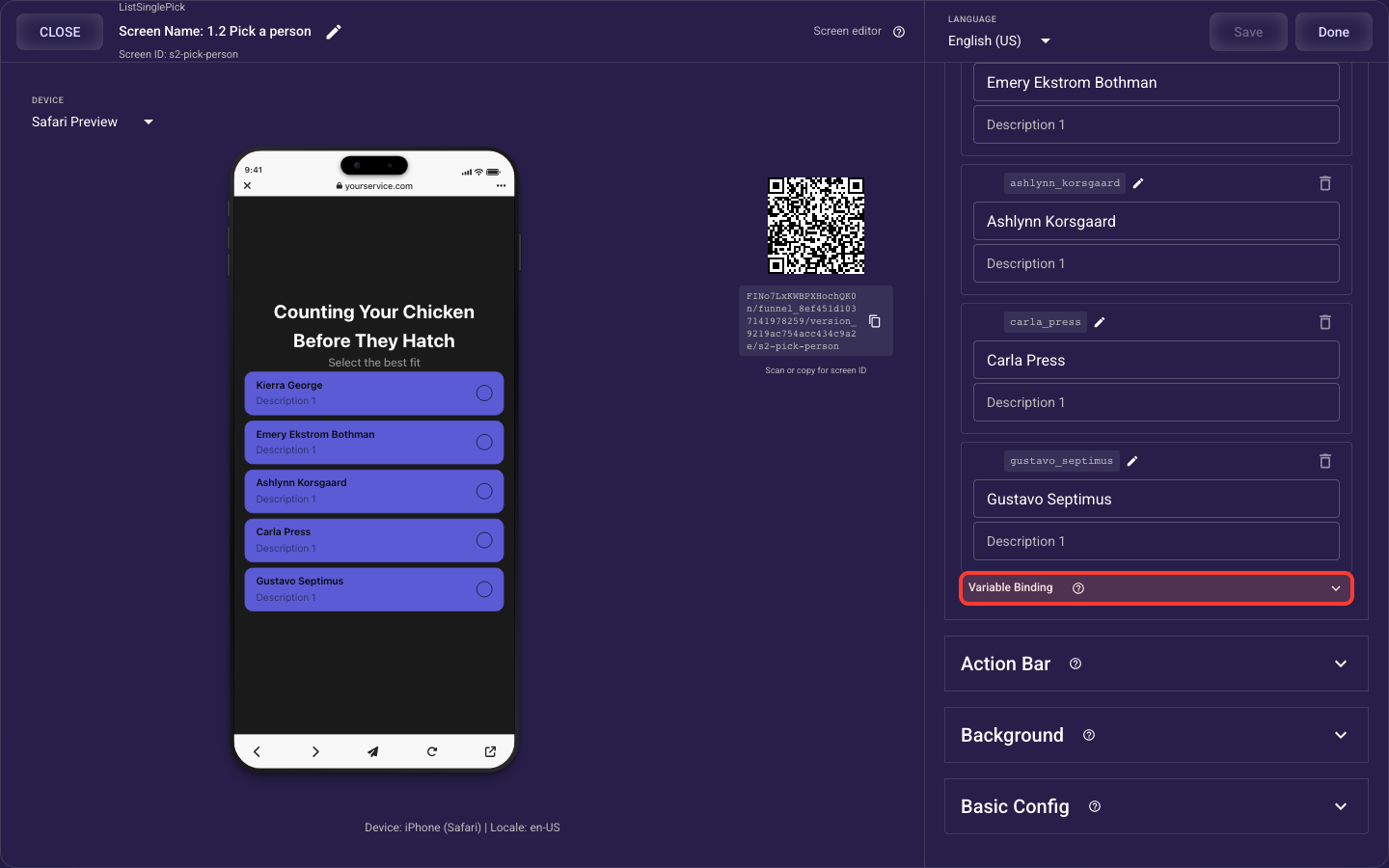
Variable Binding — details
Where this screen's answer is stored — the variable, the value each choice maps to, and optional scoring.
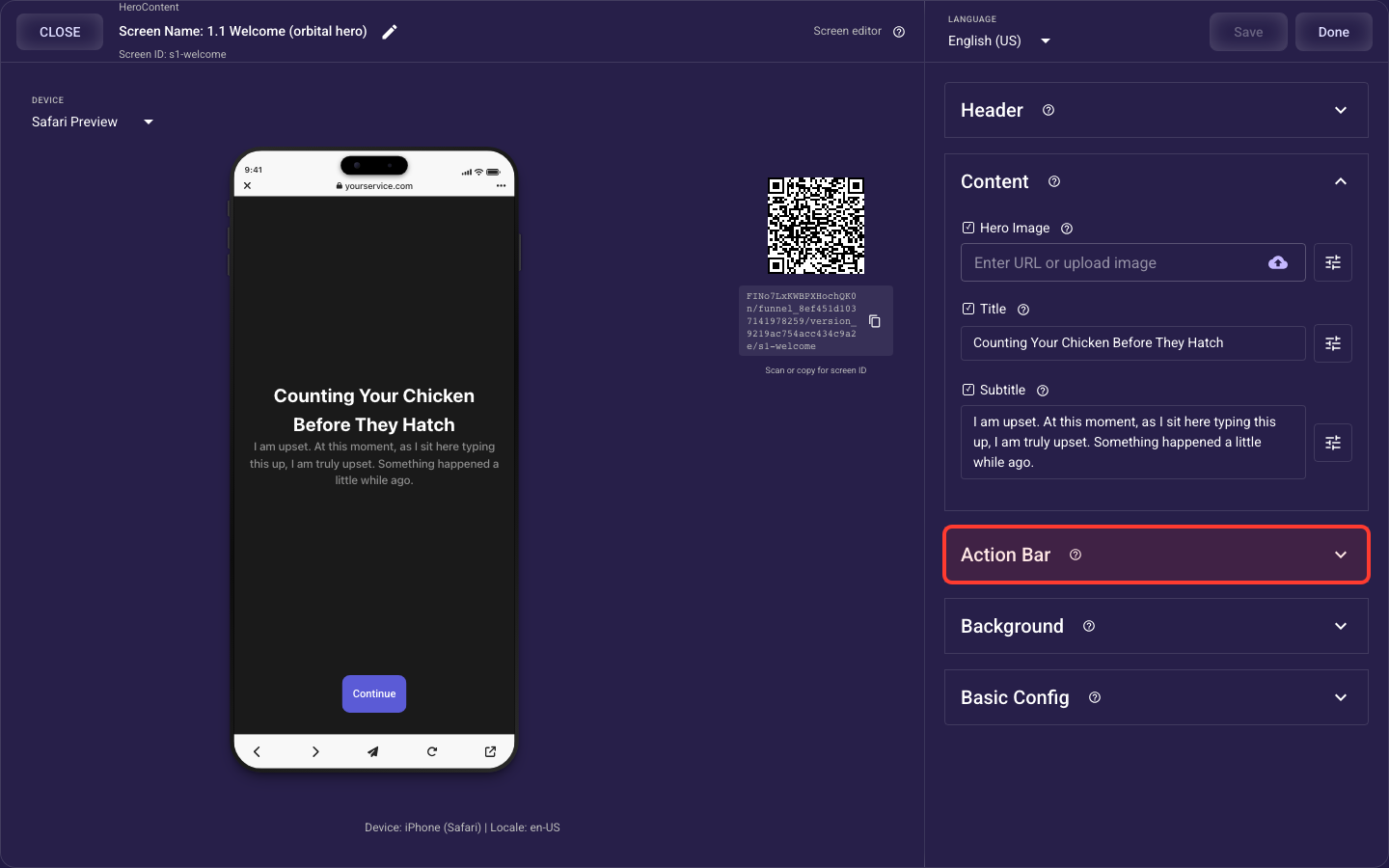
Action Bar — details
The bottom button bar — your primary call-to-action and an optional secondary button.
Background — details
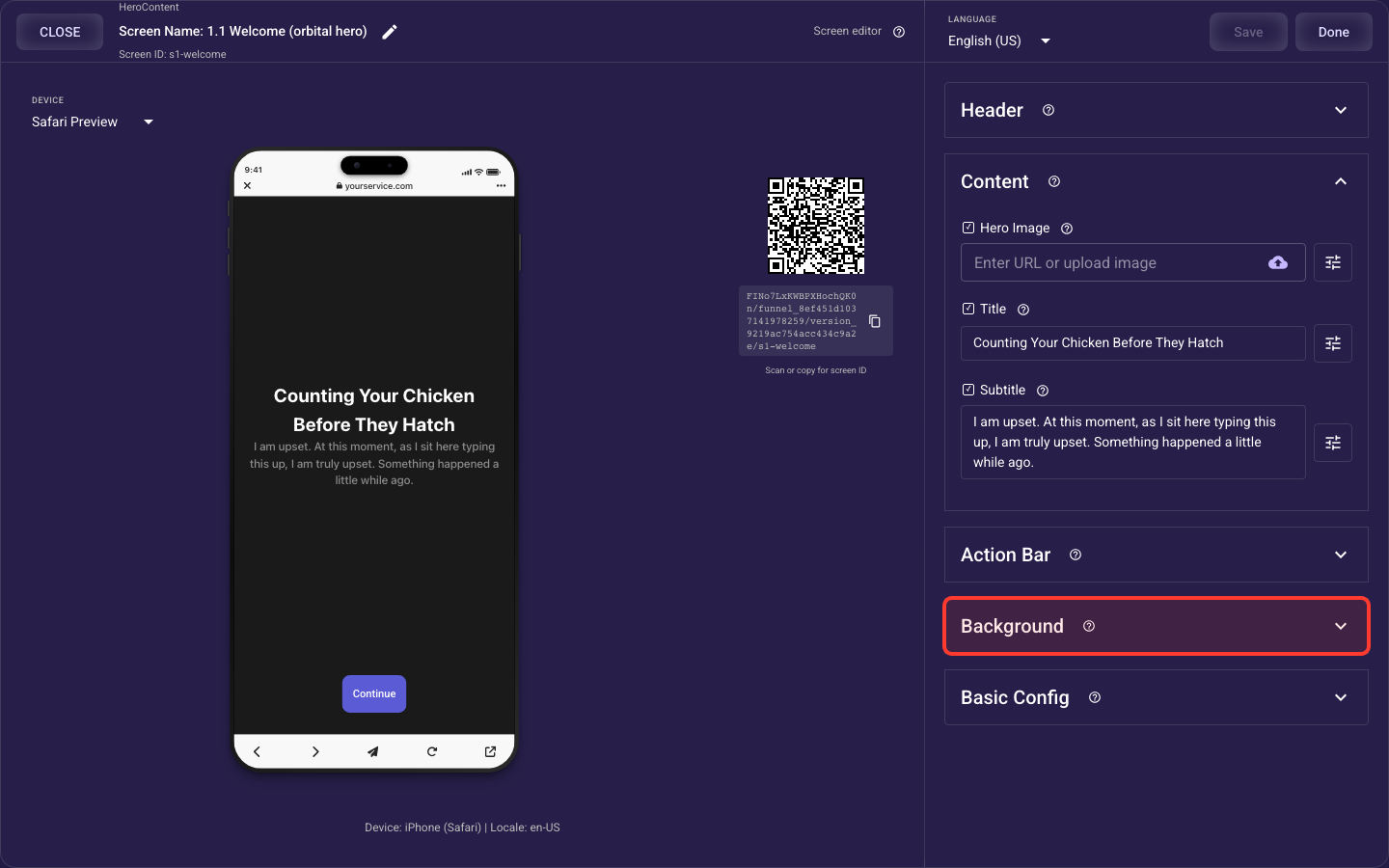
What fills the whole screen behind your content: a solid color, a photo, or a looping video.
Animation — details
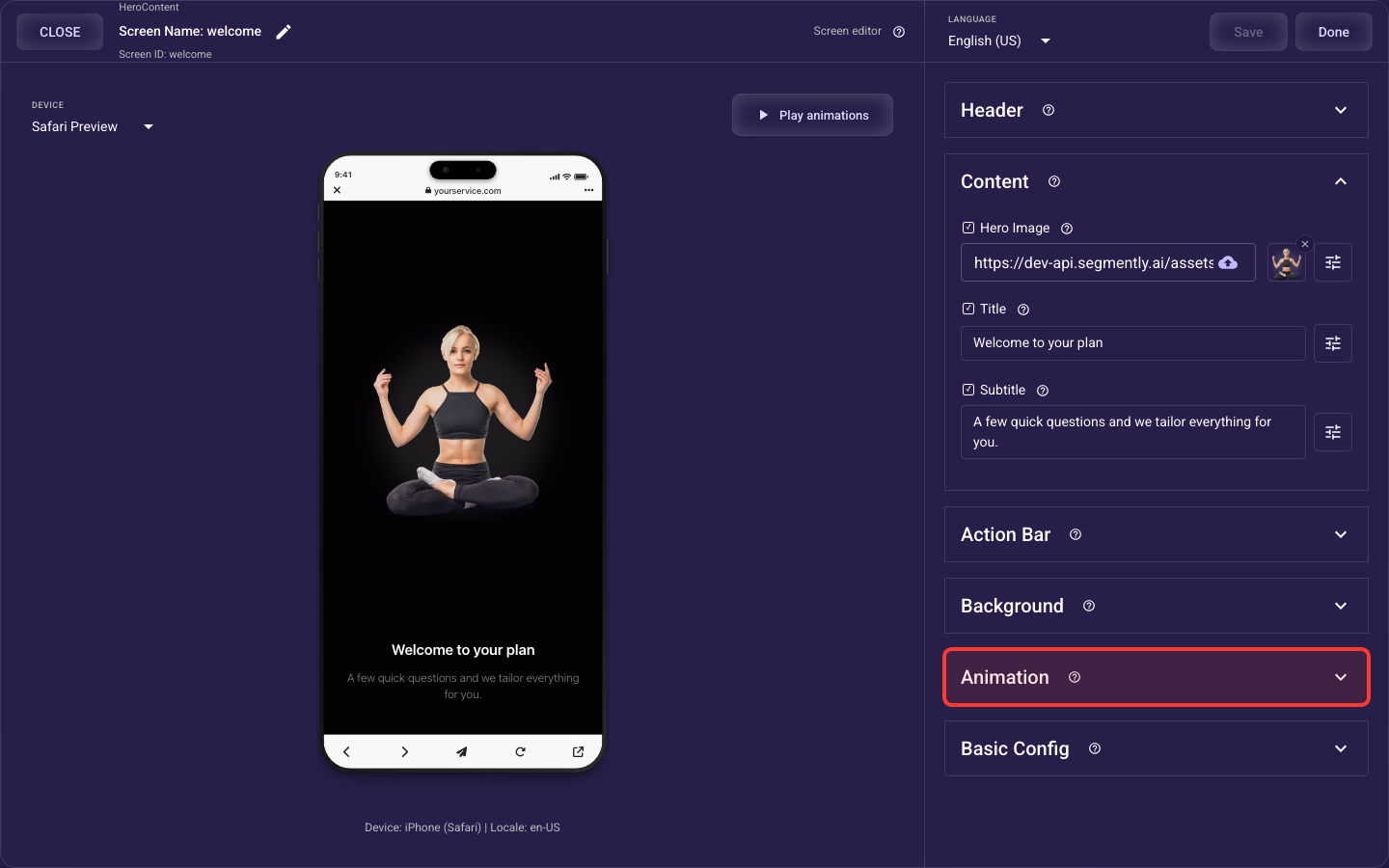
How the screen's standard elements (header, image or video, title and subtitle, choices or bullets, paywall products, action bar) animate in when it opens — style, speed, stagger, easing, and per-element overrides, which take priority over the theme's default motion.
Basic Config — details
Screen-level behaviour: cached media, a device-permission prompt, and auto-advance.